Minecraft Logo Maker
Inspiring Minecraft Logo Ideas
Level Up Your Brand with AI Precision
Our intelligent logo generator offers everything you need to stand out.
AI-Powered Engine
Harness advanced AI to generate countless unique logo concepts in seconds.
Vast Style Library
Explore styles from top games, art genres, themes, mascots, and more.
Instant Generation
No waiting. See your logo ideas immediately and iterate on the fly.
For Every Gamer
Perfect for esports teams, Twitch streamers, YouTube channels, or personal branding.
Easy Customization
Input your text, pick styles, and let the AI craft your vision.
Pro-Quality Downloads
Get high-resolution, transparent PNGs ready for any platform.
How to Make a Minecraft Logo in 4 Steps
Making a Minecraft logo with AI takes under a minute and needs zero design skills.
1. Pick a Minecraft style — choose from Creeper mascots, diamond-sword warriors, Enderman designs, wolf and villager mascots, grass-block emblems, crossed pickaxes, and more.
2. Add your name or team text — type your gamer tag, clan name, or SMP server name. It renders in blocky, pixel-style Minecraft typography.
3. Generate — the AI creates your logo in seconds. Use the standard generation for a quick result, or the higher-quality option for sharper detail and cleaner text.
4. Download — save your logo as a high-resolution PNG, ready to upload anywhere.
Popular Minecraft Logo Styles
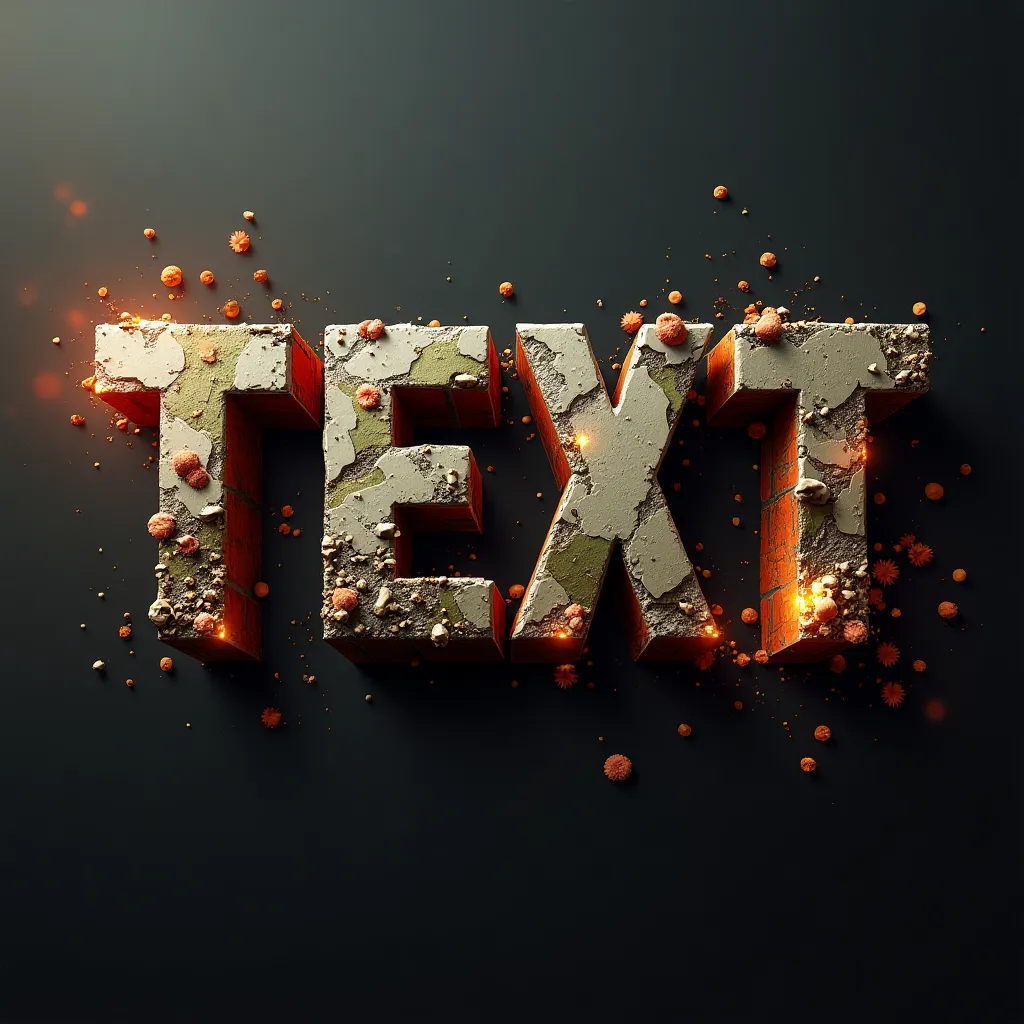
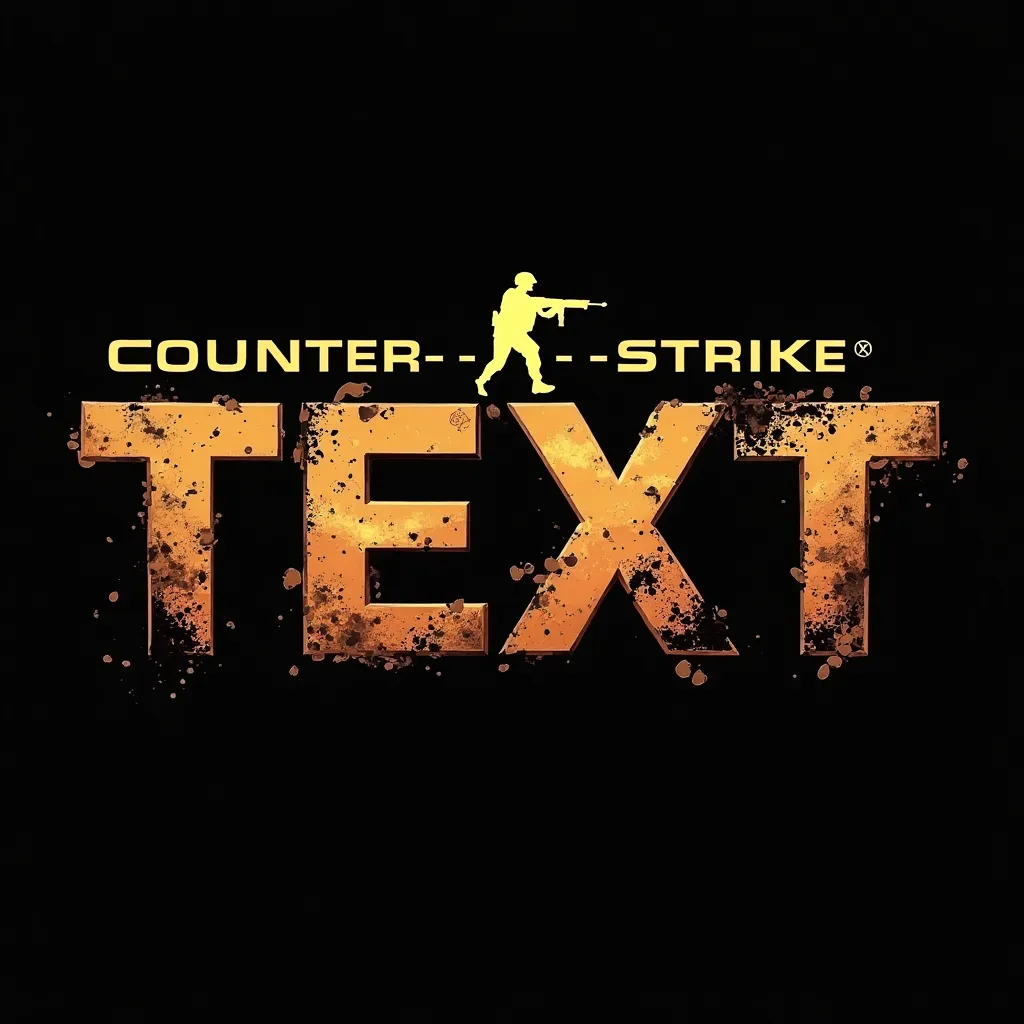
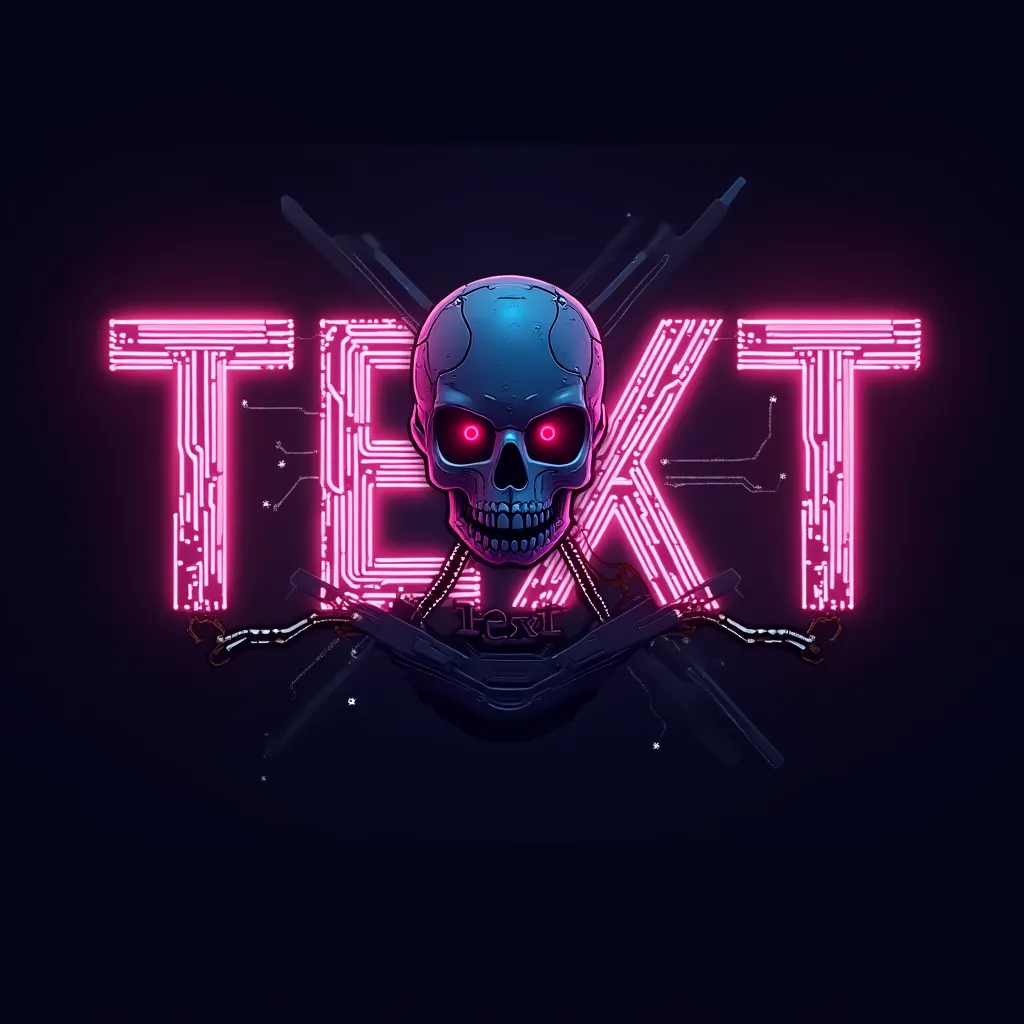
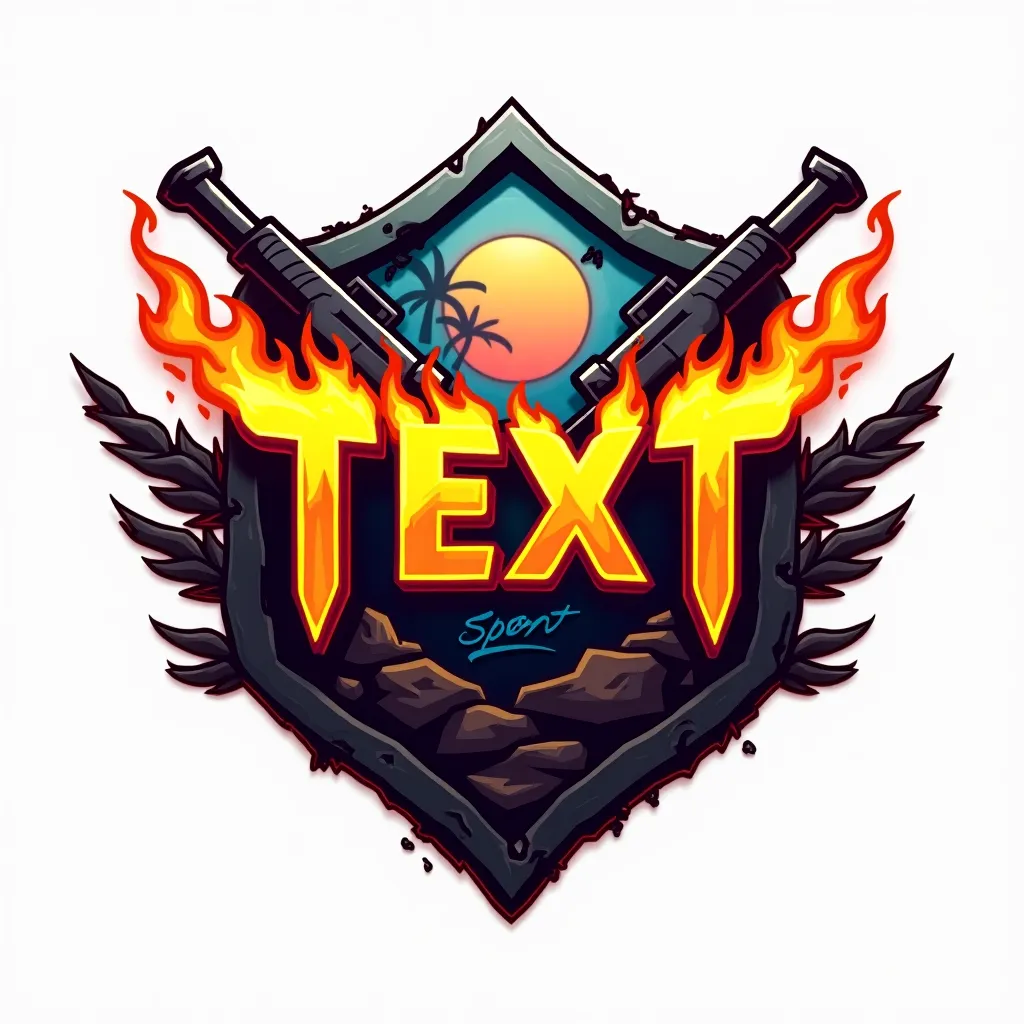
Every Minecraft player has a different vibe, so the generator offers a range of styles built around the game's iconic look.
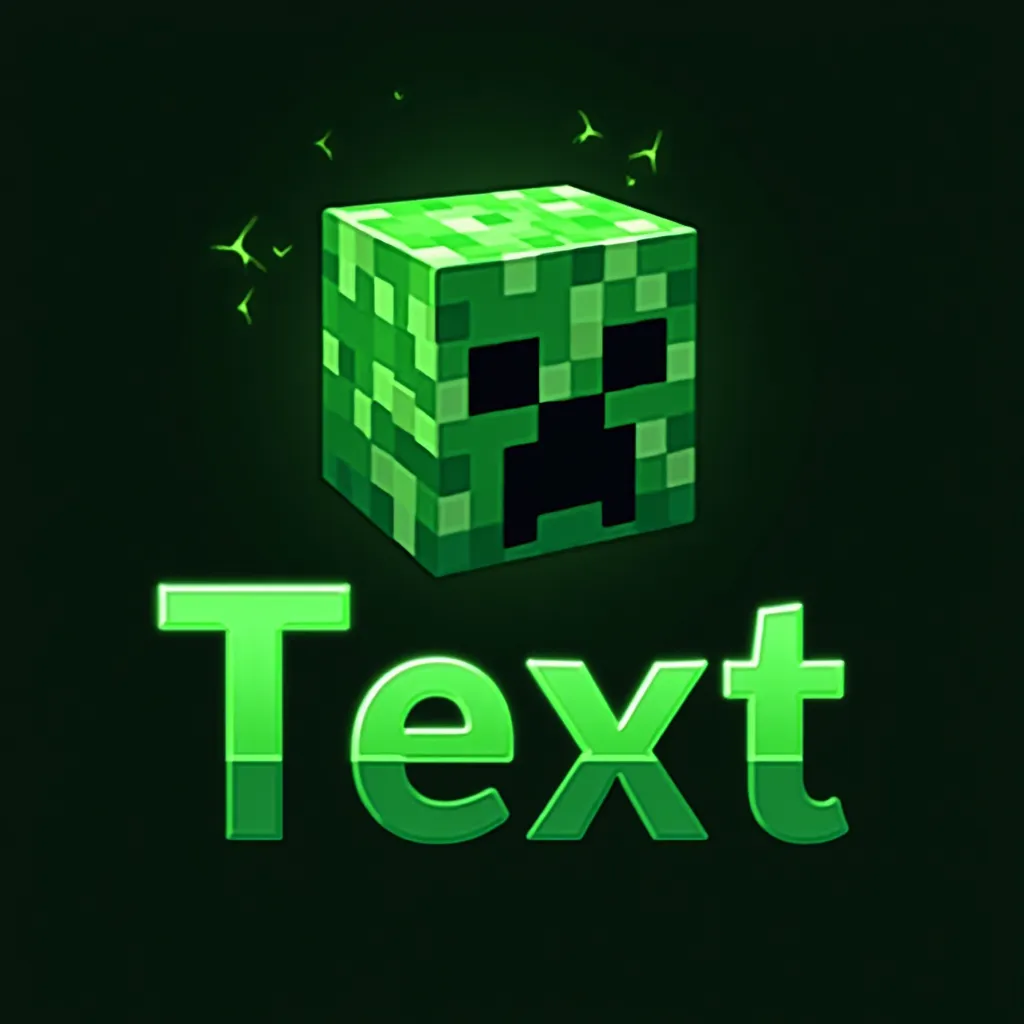
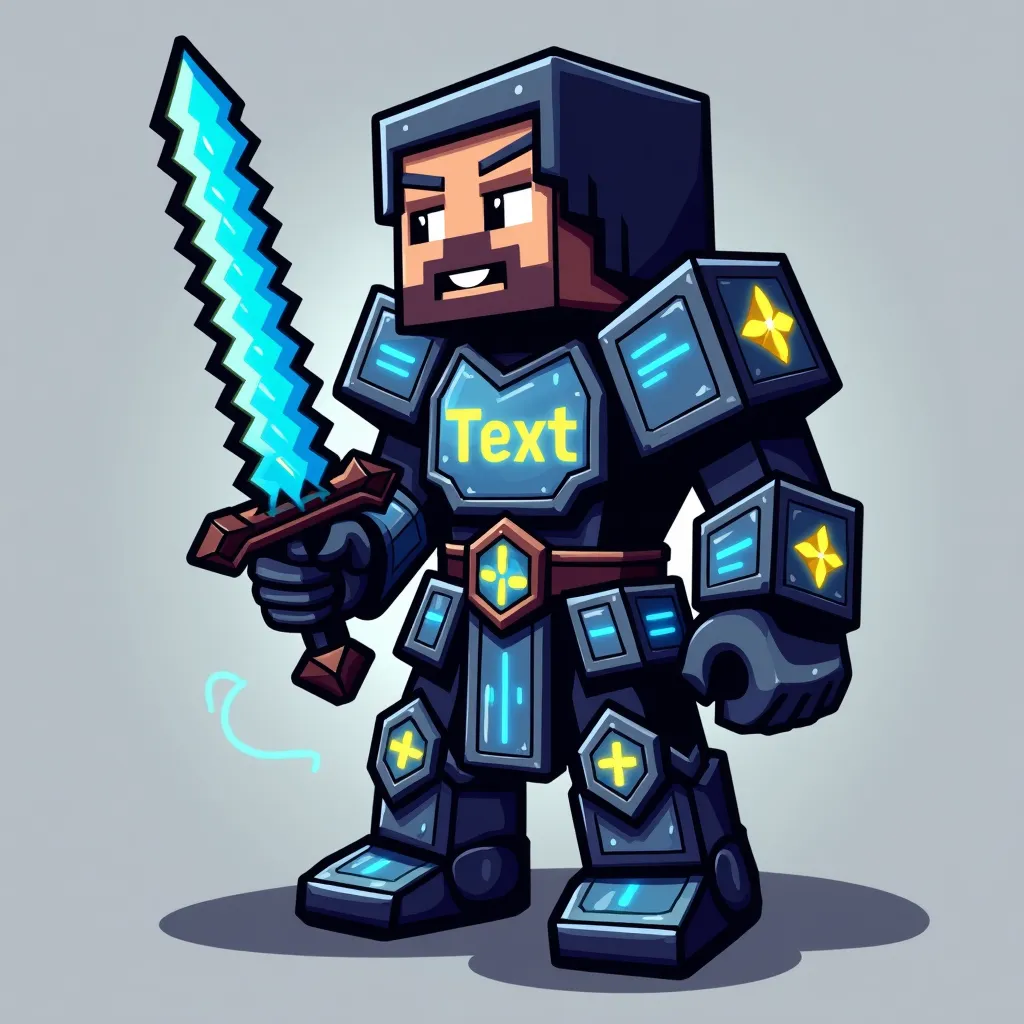
Creeper mascots are the most recognizable — glowing green pixel energy and that unmistakable face, perfect for a bold, instantly-Minecraft identity. Diamond-sword warriors feature a blocky armored hero gripping a glowing blade, great for combat-focused channels and PvP clans. Enderman designs use glowing purple eyes and floating blocks for a darker, mysterious feel.
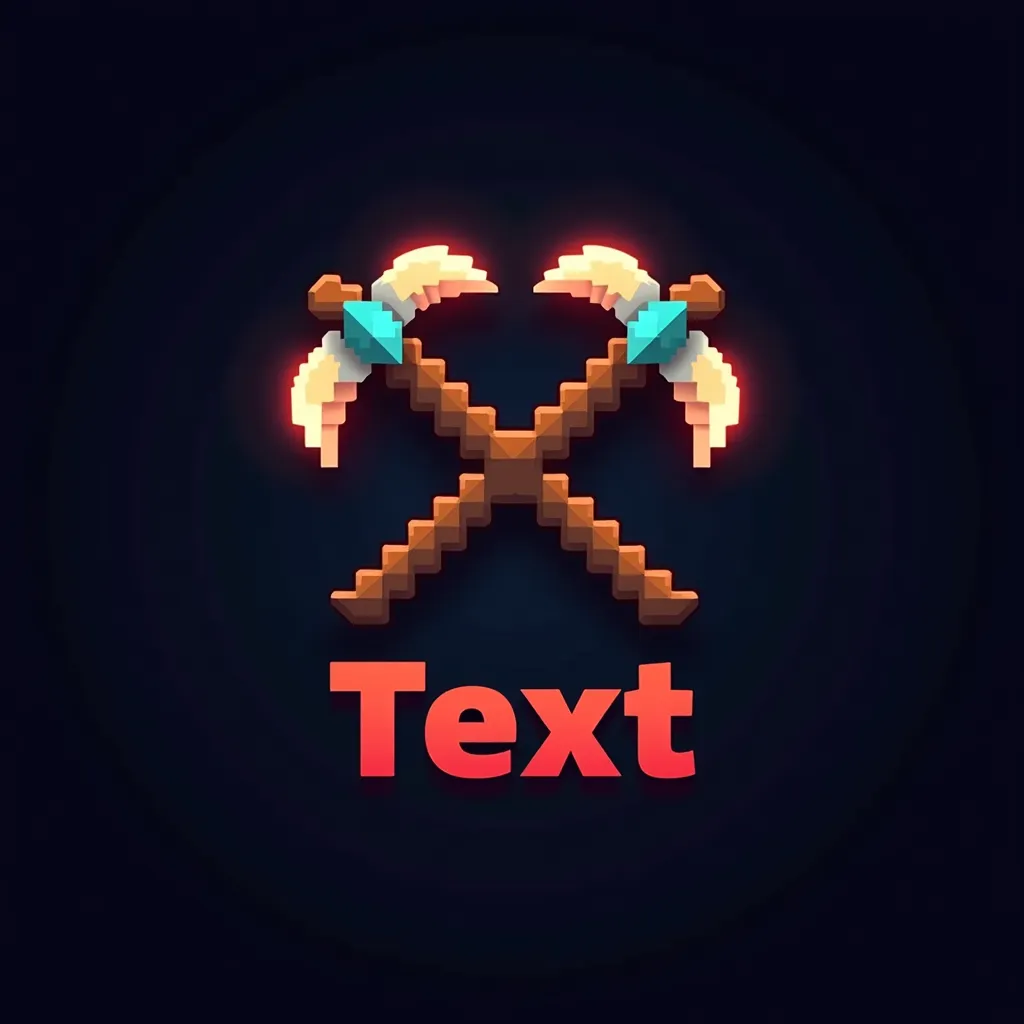
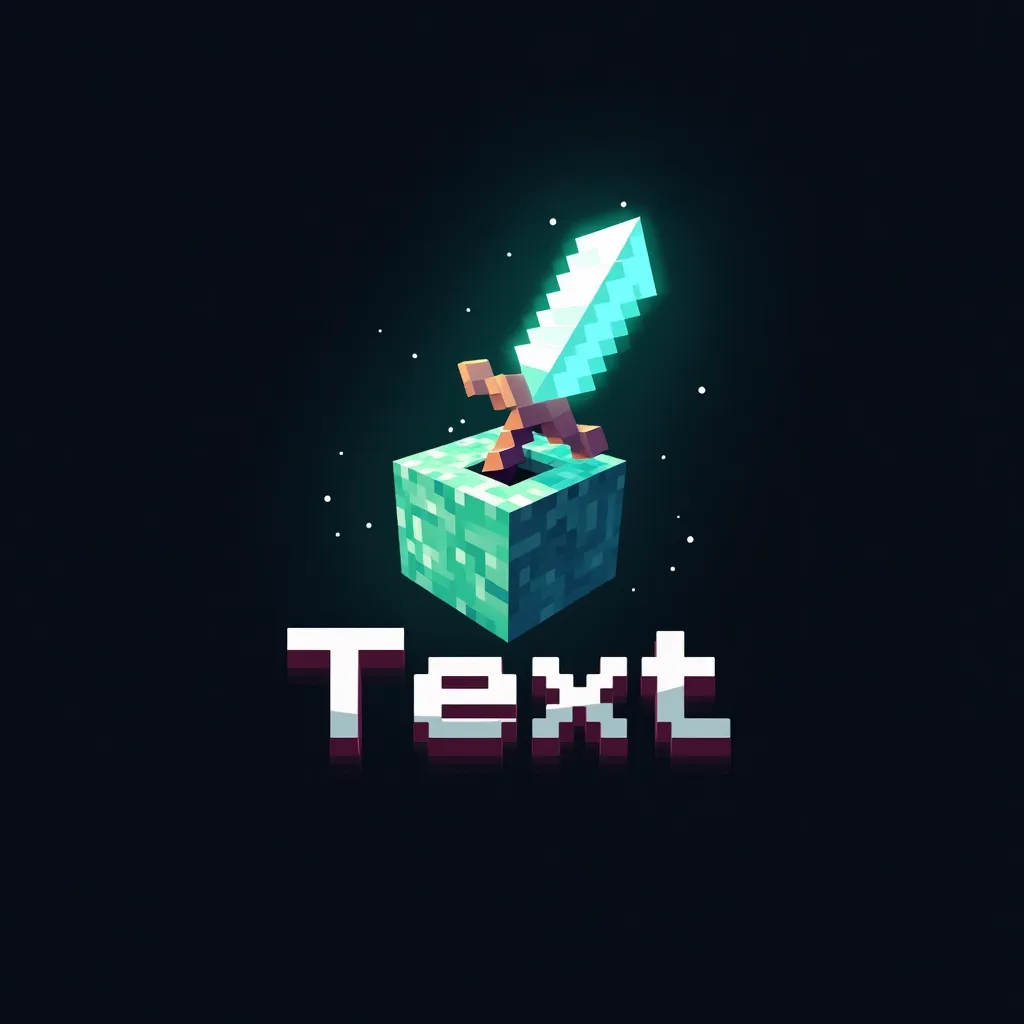
For team and server branding, the grass-block emblem turns the classic dirt-grass-stone block into a shield shape, and the badge style frames your team name with pixel clouds, sun, and grass for a clean crest. Crossed-pickaxe and sword-in-block logos lean into the mining and crafting side of the game, while wolf and villager mascots give a friendlier, character-driven option. There's also a cave style with glowing ores in the background for a deeper, atmospheric look.
Where to Use Your Minecraft Logo
A Minecraft logo works across every platform where you build your gaming presence.
Use it as your Discord server icon to give your community a professional identity, as your YouTube channel logo and video branding for Minecraft Let's Plays and tutorials, or as your Twitch profile picture and stream overlay. SMP and faction servers use these logos for team identity, recruitment posts, and server listings. The high-resolution PNG works equally well as a small avatar or a larger banner element.
Tips for a Great Minecraft Logo
A few small choices make a Minecraft logo read clearly and look sharp.
Keep your text short — gamer tags and clan names of one or two words stay readable in blocky pixel fonts, while long names get cramped. Lean into Minecraft's natural palette: the greens of grass and Creepers, the browns of dirt and wood, and the cyan glow of diamond all signal the game instantly. If you'll use the logo as a small Discord or profile icon, pick a mascot style (Creeper, wolf, warrior) over a detailed scene, since bold shapes survive shrinking better than fine detail. Try the higher-quality generation option when text clarity matters most — it renders pixel fonts more cleanly than the standard pass.
Use Across All Your Gaming Content
Keep your branding consistent with matching creator assets for this game.
Minecraft Twitch banner maker
Create matching channel art for your Twitch profile and stream branding.
Minecraft Twitch panels maker
Build branded Twitch panels for about, rules, donate, and social sections.
Minecraft Twitch stream screens maker
Generate coordinated Starting Soon, BRB, Offline, and Ending screens.
Minecraft YouTube thumbnail maker
Design click-worthy video thumbnails that match the same game style.
Your Minecraft Logo Questions
Is the Minecraft logo maker free?
You can start free — new accounts get a free credit on signup, enough to generate a Minecraft logo right away. After that, credit packs are available with no subscription, and credits never expire.
How do I make a Minecraft logo?
Pick a Minecraft style (Creeper, diamond sword, Enderman, grass block, and more), type your name or team text, and generate. The AI creates your logo in seconds and you can download it as a high-resolution PNG.
What file format is my Minecraft logo?
Your logo downloads as a high-resolution PNG, ready to upload to Discord, YouTube, Twitch, or any server listing. (Transparent backgrounds are available on our emote maker for chat emotes.)
Can I use this as a Minecraft server logo or Discord icon?
Yes. The logos work as Discord server icons, SMP and faction team logos, YouTube channel art, and Twitch branding. Mascot styles like the Creeper or warrior work especially well as small profile icons.
Do I need design experience?
No. You don't need Photoshop or any design skills — just pick a style, type your text, and the AI handles the rest in seconds.
Can I get a matching Minecraft PFP?
Yes. Alongside your logo, you can create a matching Minecraft-style profile picture from your photo using our Minecraft PFP maker for a consistent look across your channels.
Ready to Create Your Custom Minecraft Logo?
Our AI is ready to craft a professional logo that sets you apart. Start designing with your free credit now!