

AI DOTA PFP Maker
From Selfie to DOTA Legend
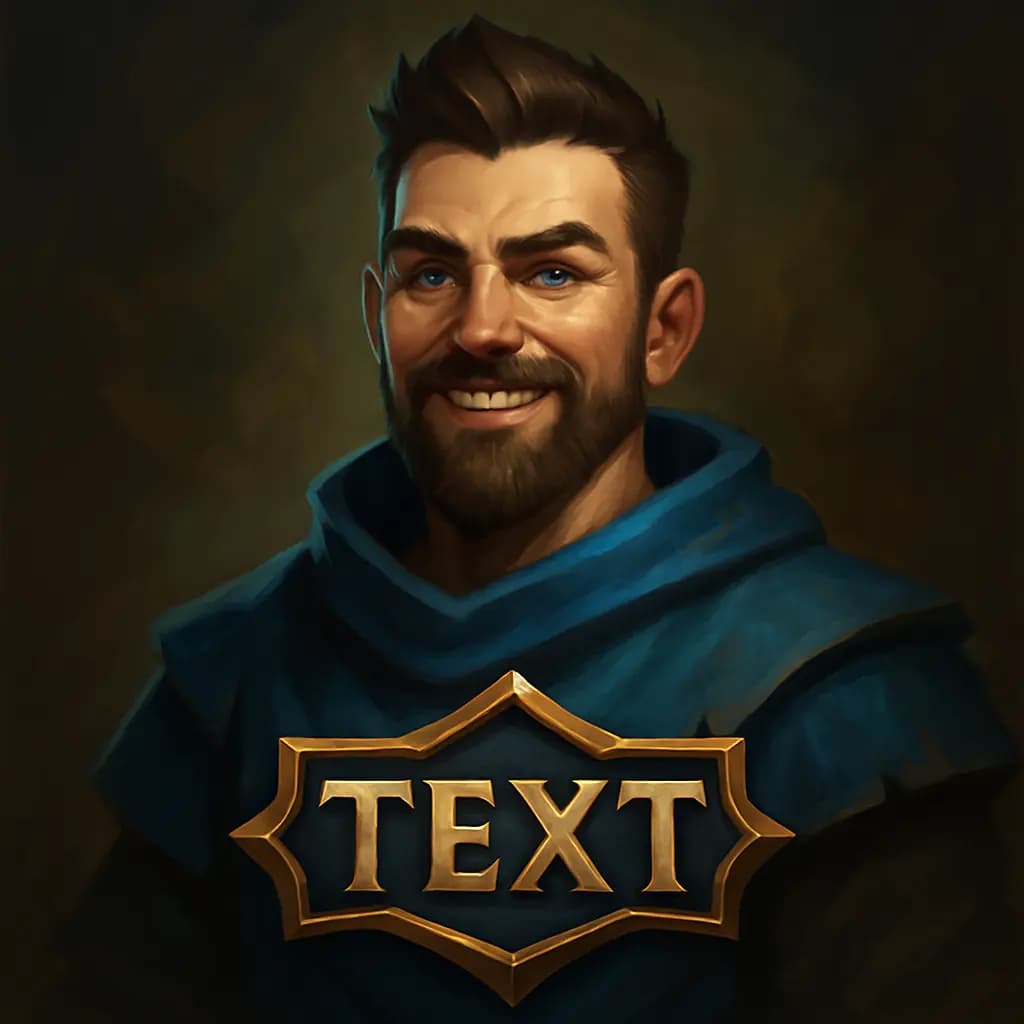
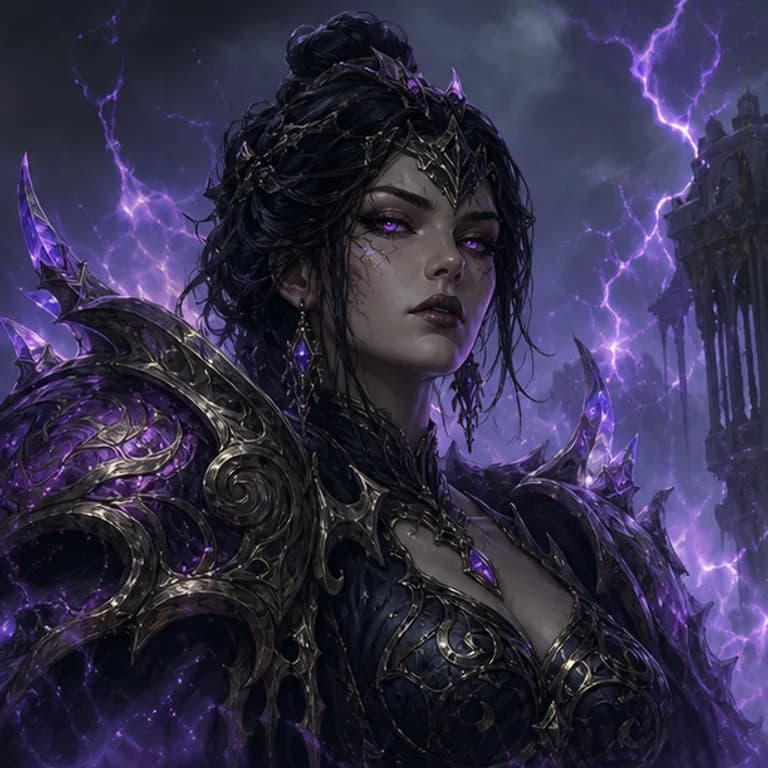
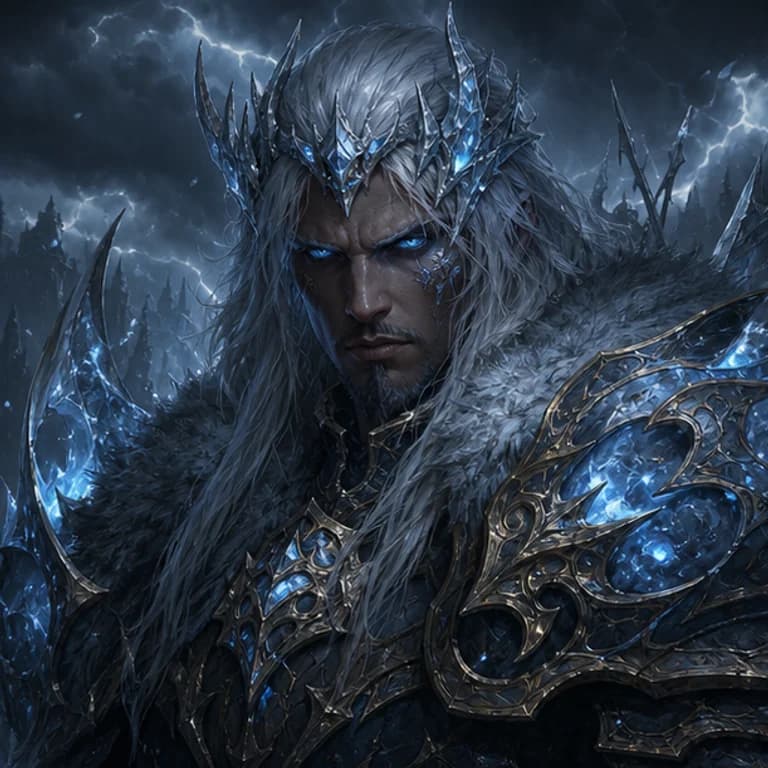
Sign up and use your free credit to download your first PFP!
Create Your Custom DOTA PFP
1. Upload Your Photo
Choose a clear, front-facing selfie or picture.
2. Pick a Style
Select from dozens of styles inspired by games, art, and more.
3. Generate Your PFP
Let our AI transform your photo into a unique profile picture!
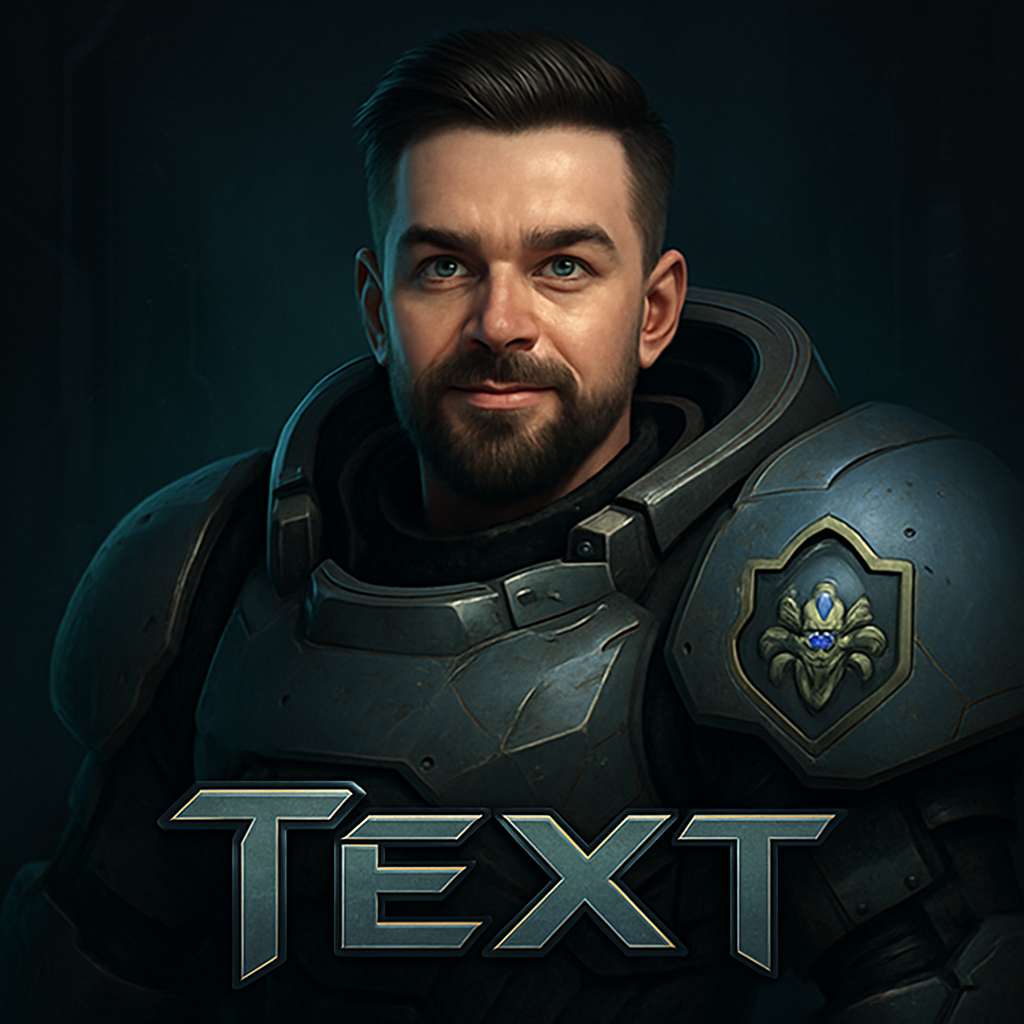
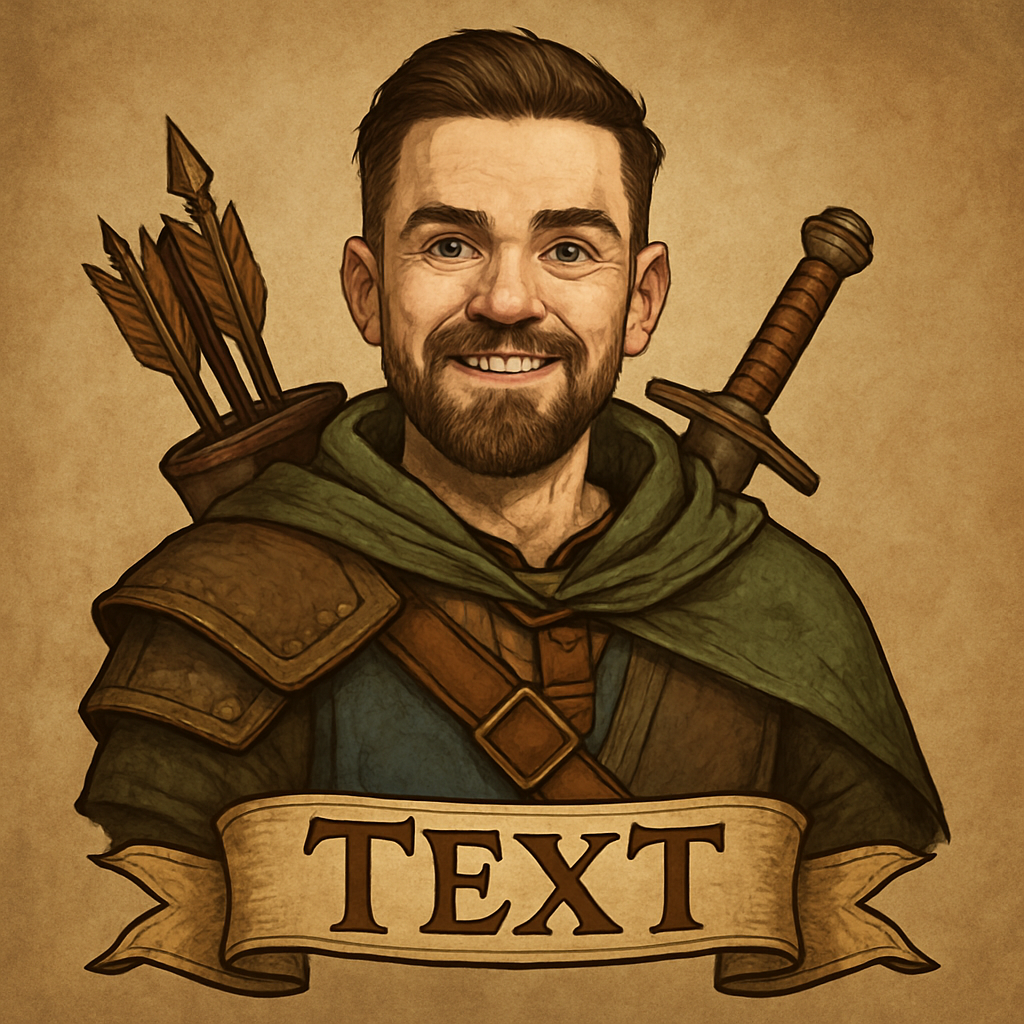
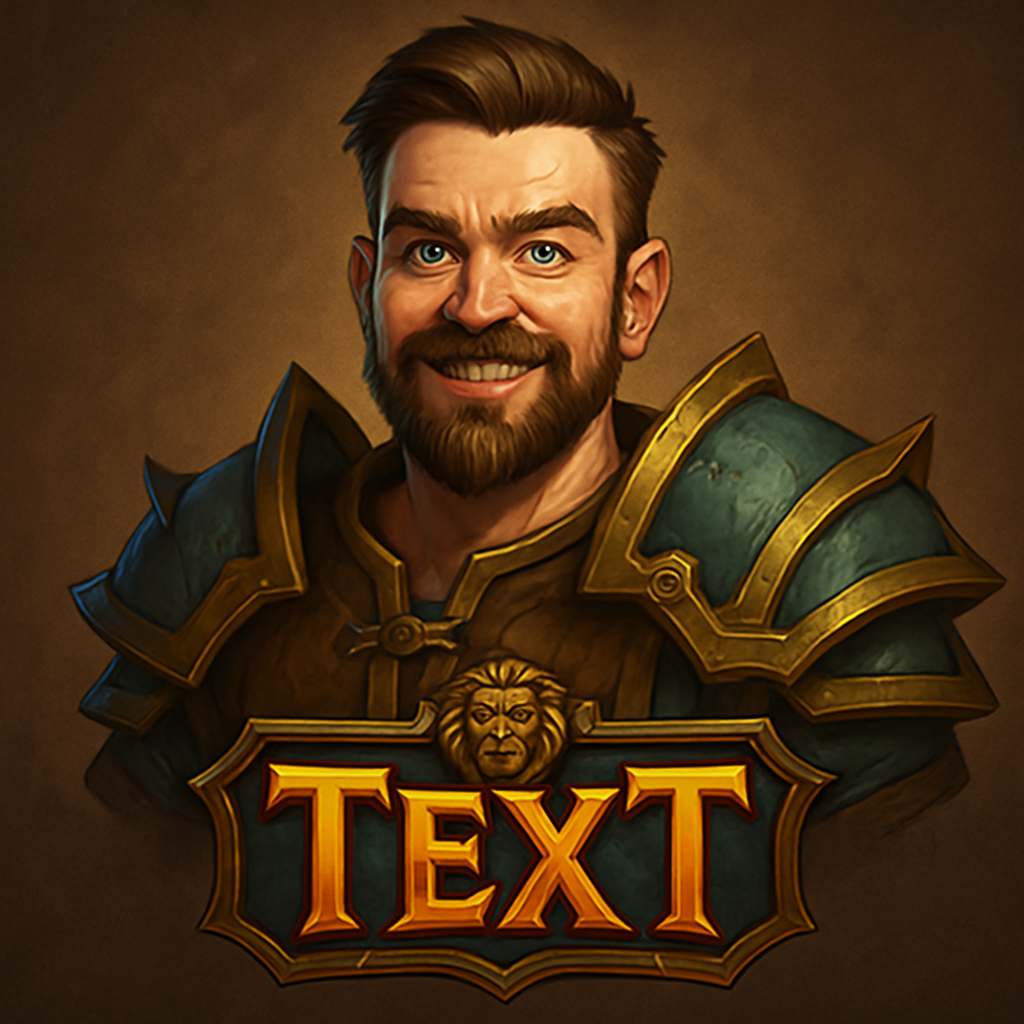
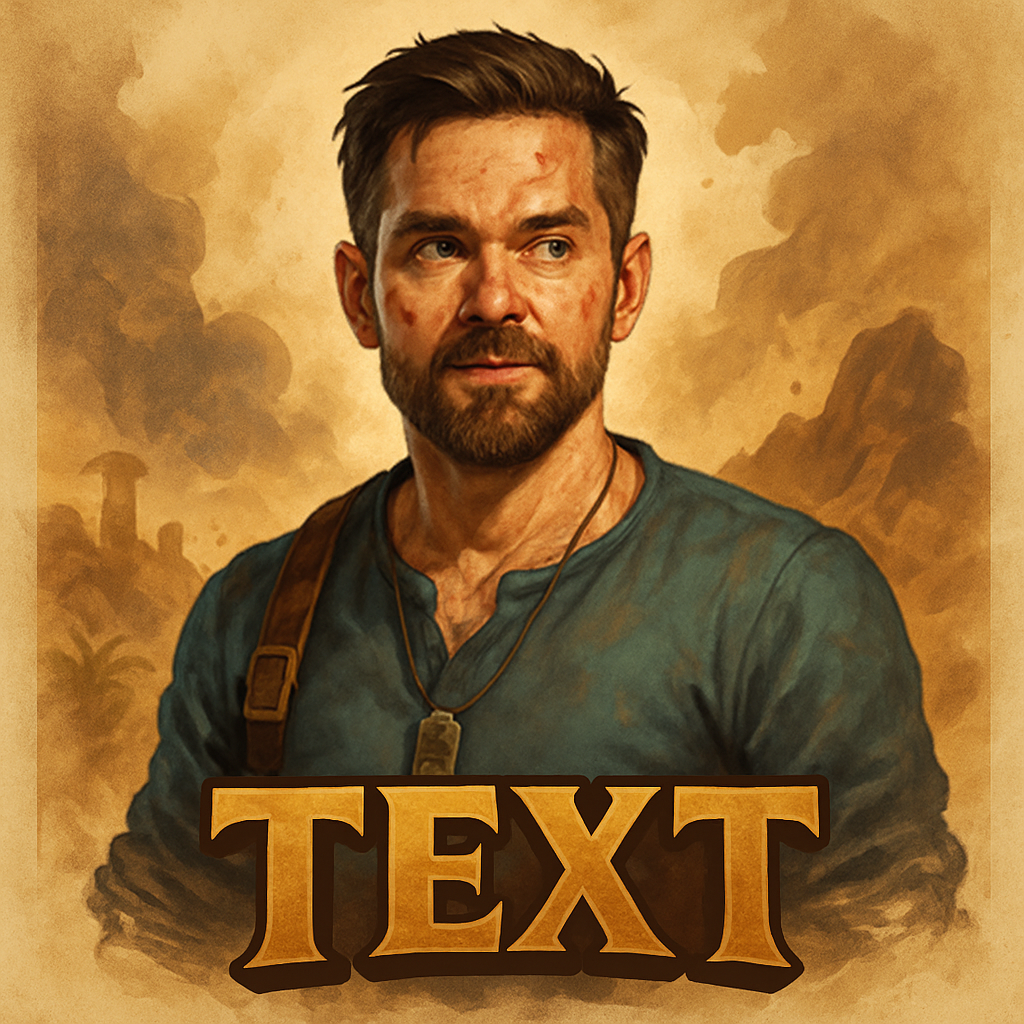
What the Dota PFP Style Looks Like
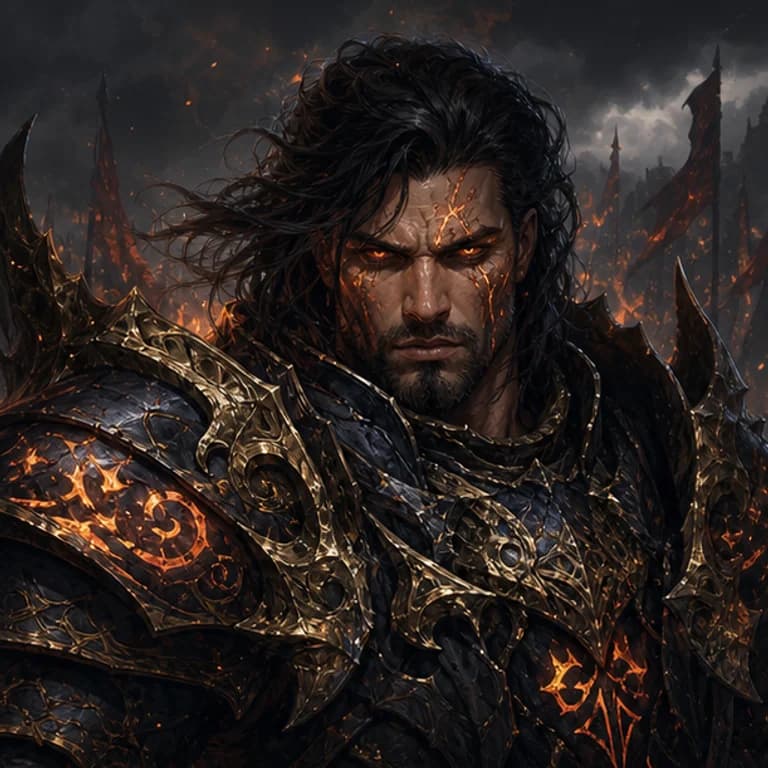
The Dota style renders you as a fantasy hero in a dark, painterly splash-art look: rich textures, dramatic lighting, and heavy contrast. Your everyday clothes are fully replaced with runic armor and hero gear, you're given an enchanted weapon and a commanding pose, and your photo's background is swapped for an atmospheric battlefield. Your facial features stay recognizable, so the avatar still reads as you.
How to Make Your Dota PFP
Pick the Dota style, upload a clear front-facing photo, then choose your options: an optional gamer tag, your framing, and your AI engine. Hit generate and your hero avatar is ready in seconds as a square PNG, sized for profile pictures. You can regenerate as many times as you like until the pose and lighting feel right.
Head, Half Body, or Full Body
Choose how much of your hero shows in the square frame. Head framing gives a close, face-focused portrait that reads well at small avatar sizes. Half Body shows your armor and weapon from the chest up. Full Body renders your complete hero standing on the battlefield, best when you want the whole outfit visible.
Pro vs Max Engine
Two engines are available. Pro costs 4 credits and produces strong, clean results. Max costs 6 credits and adds finer detail and lighting, which shows most in painterly styles like this one, so it's the recommended choice. Credits never expire and work across every GamingLogoAI tool.
Where to Use Your Dota Avatar
Use it as your Steam profile picture, Discord avatar, Twitch or YouTube channel icon, or across your gaming socials. If you want a matching set, the same style approach works in our gaming logo maker for team and clan branding.
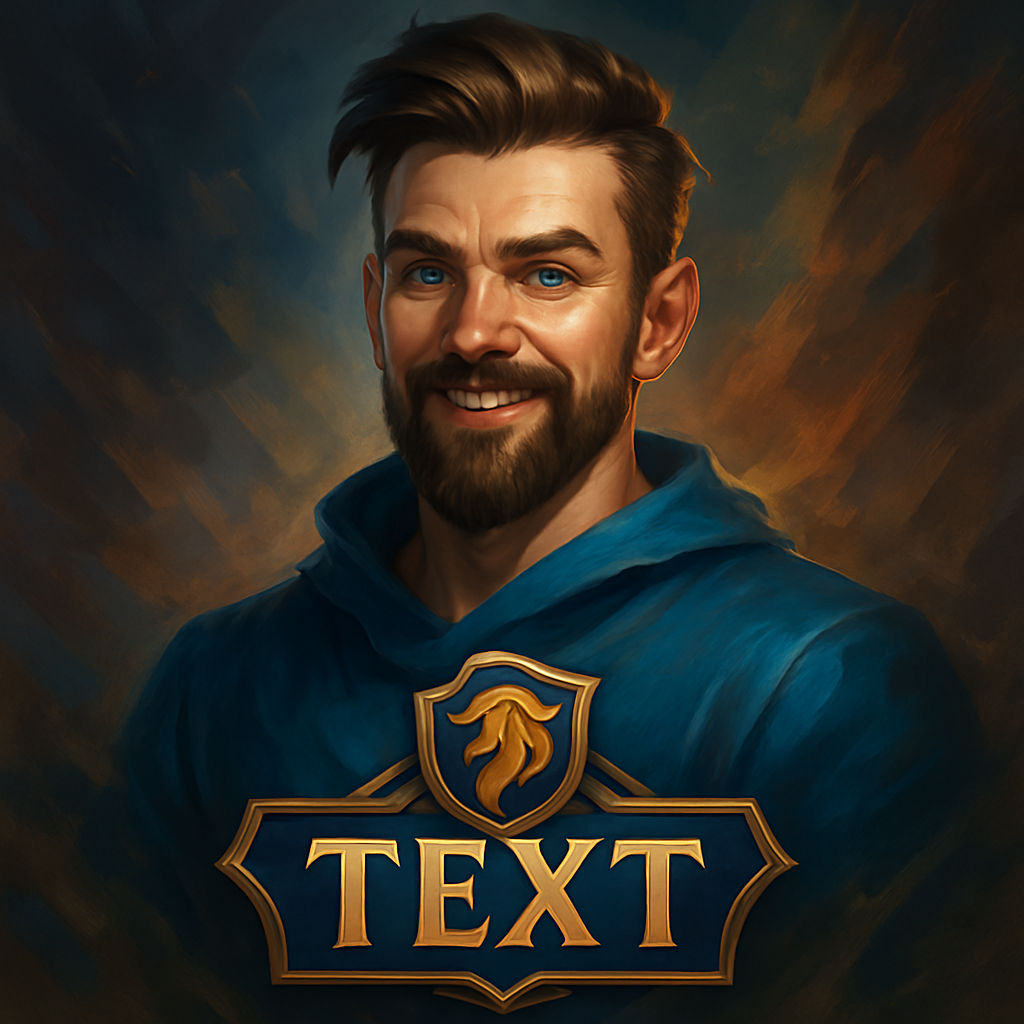
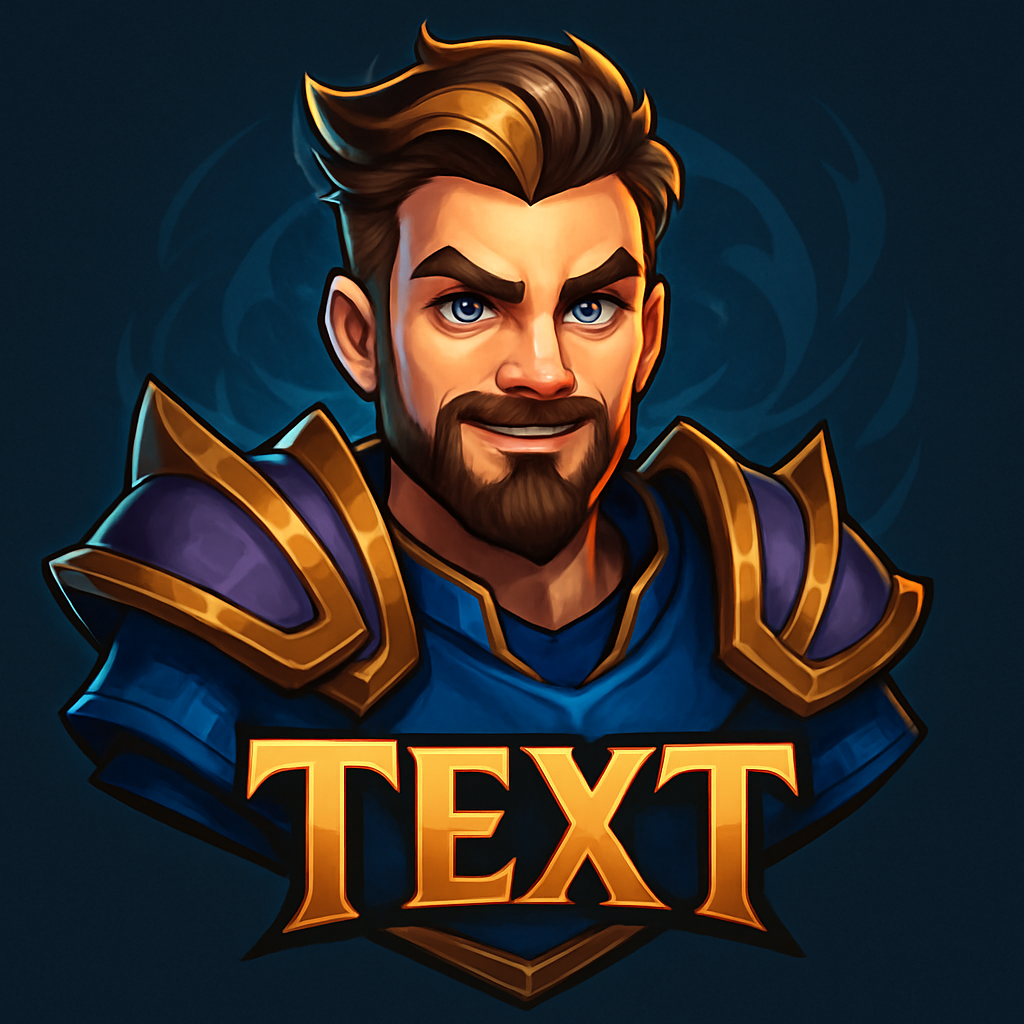
Your DOTA PFP Questions
How do I make a Dota PFP from my photo?
Choose the Dota style, upload a clear photo of your face, pick your framing and engine, then generate. The AI turns you into a painterly fantasy hero in seconds.
Will my Dota avatar still look like me?
Yes. The AI keeps your key facial features recognizable while replacing your clothing, background, and rendering style with a fantasy hero look.
Can I add my gamer tag?
Yes. Enter an optional gamer tag in the options step and it's placed into the design. Leave it blank for a clean, text-free avatar.
Is the Dota PFP maker free?
You can create a PFP with your free starting credit. Free creations include a small watermark; purchasing any credit pack gives you clean, watermark-free downloads.
What size is the finished avatar?
It's a square PNG, ready to use as a profile picture on Steam, Discord, Twitch, YouTube, and most social platforms.
Is this an official Dota product?
No. GamingLogoAI is an independent AI avatar tool. The style is inspired by fantasy MOBA splash art and isn't affiliated with or endorsed by Valve.