AI Roblox PFP Maker
From Selfie to Roblox Legend
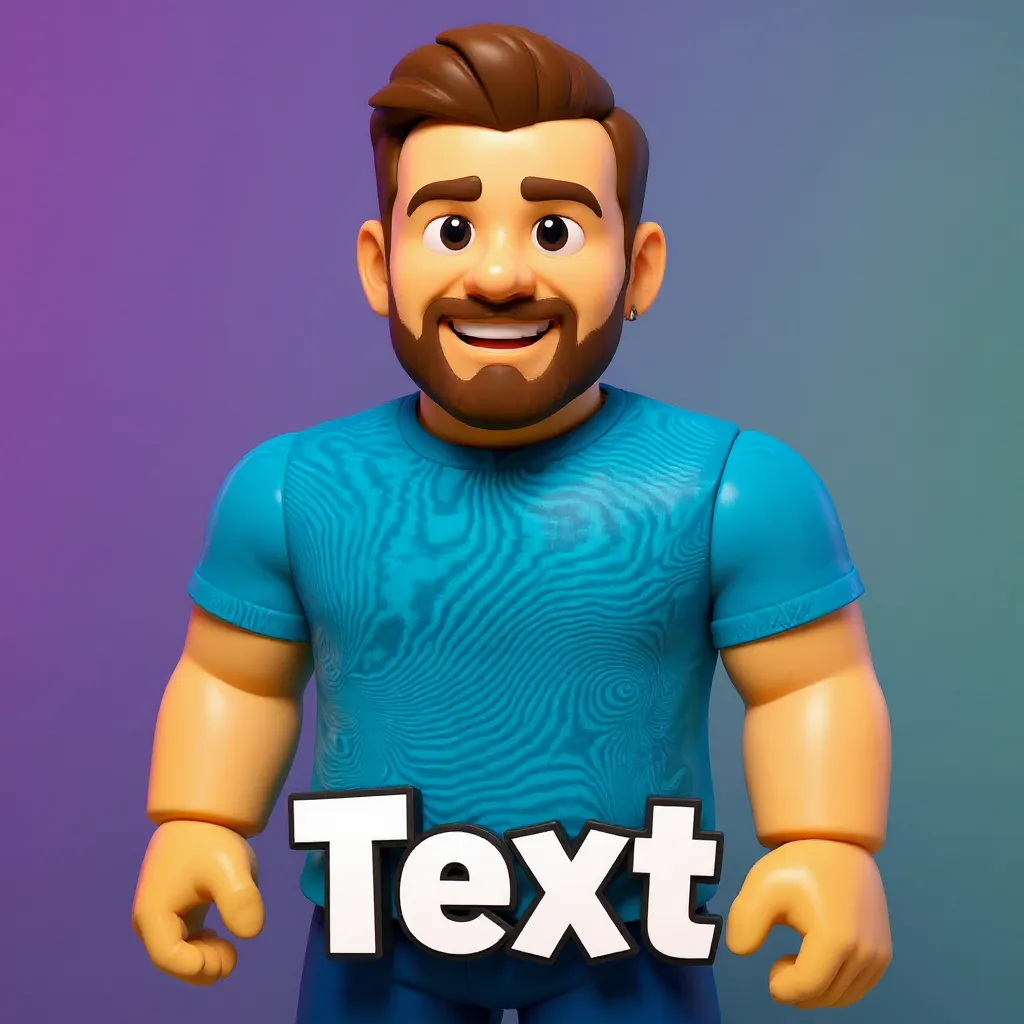
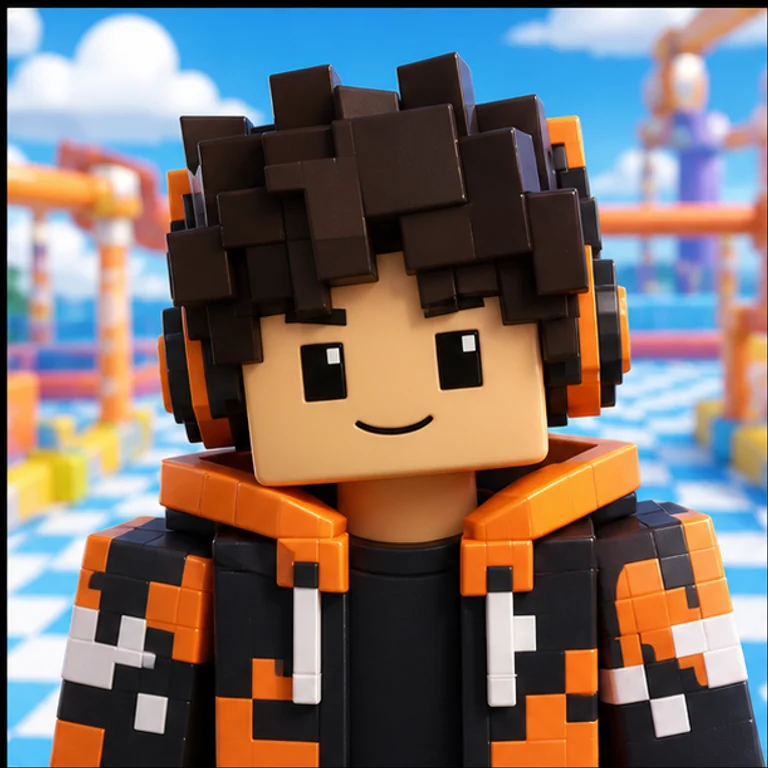
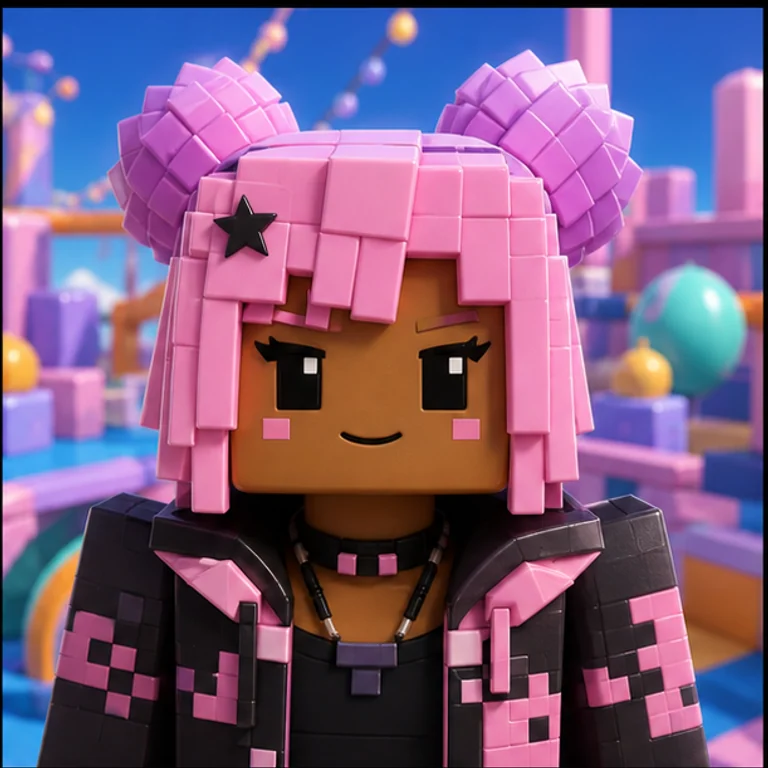
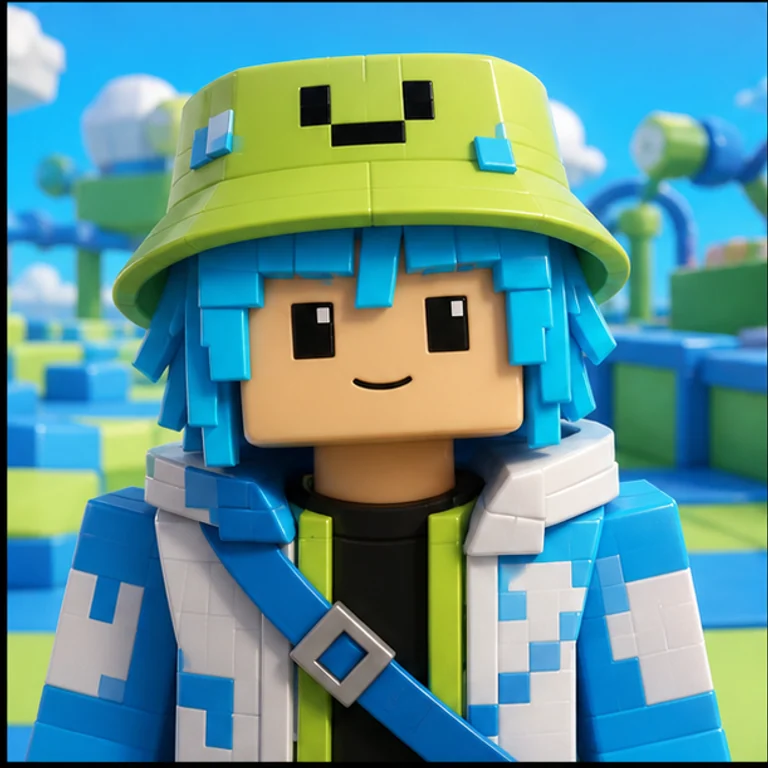
Sign up and use your free credit to download your first PFP!
Create Your Custom Roblox PFP
1. Upload Your Photo
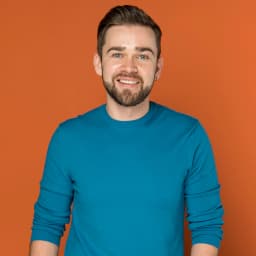
Choose a clear, front-facing selfie or picture.
2. Pick a Style
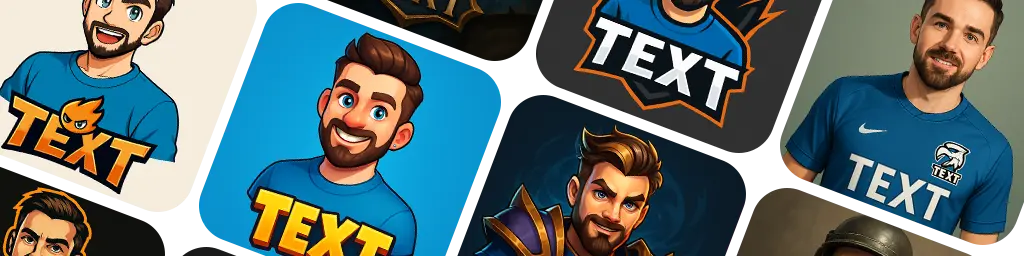
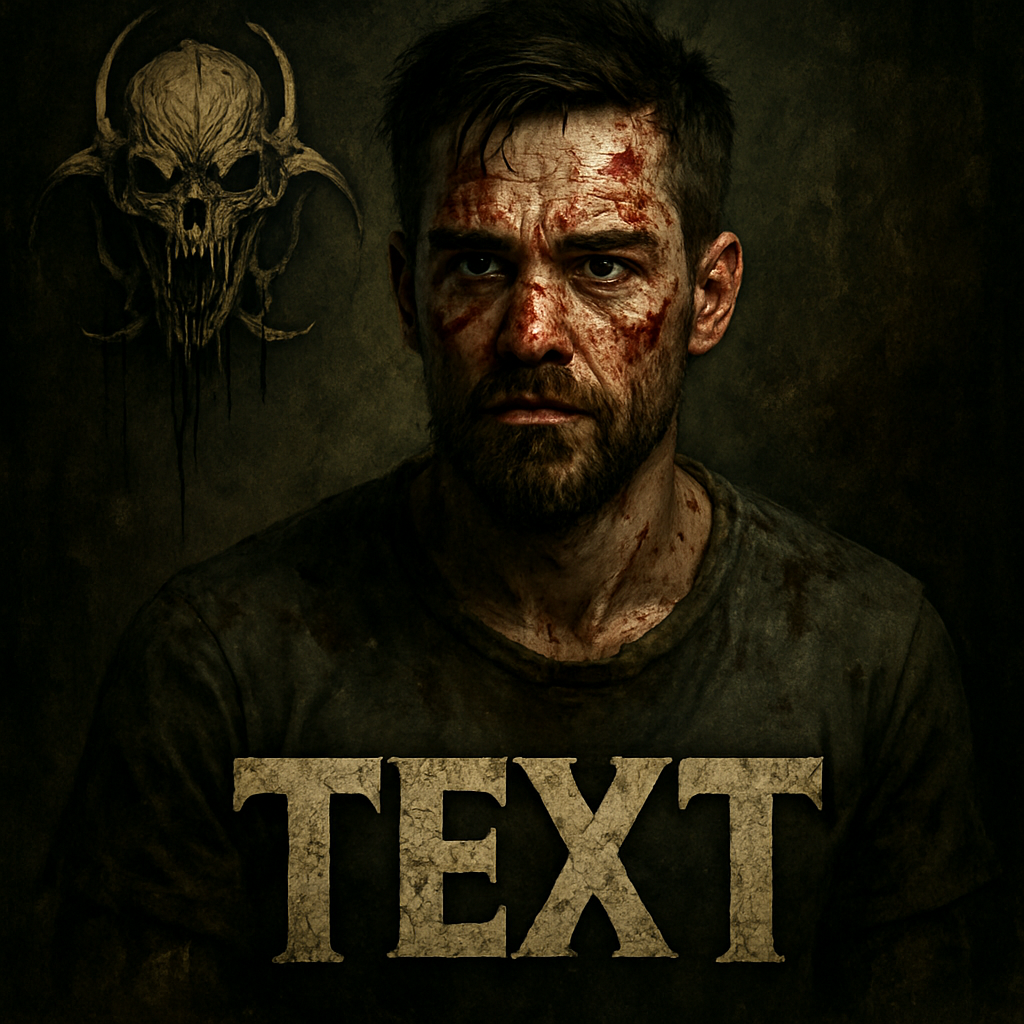
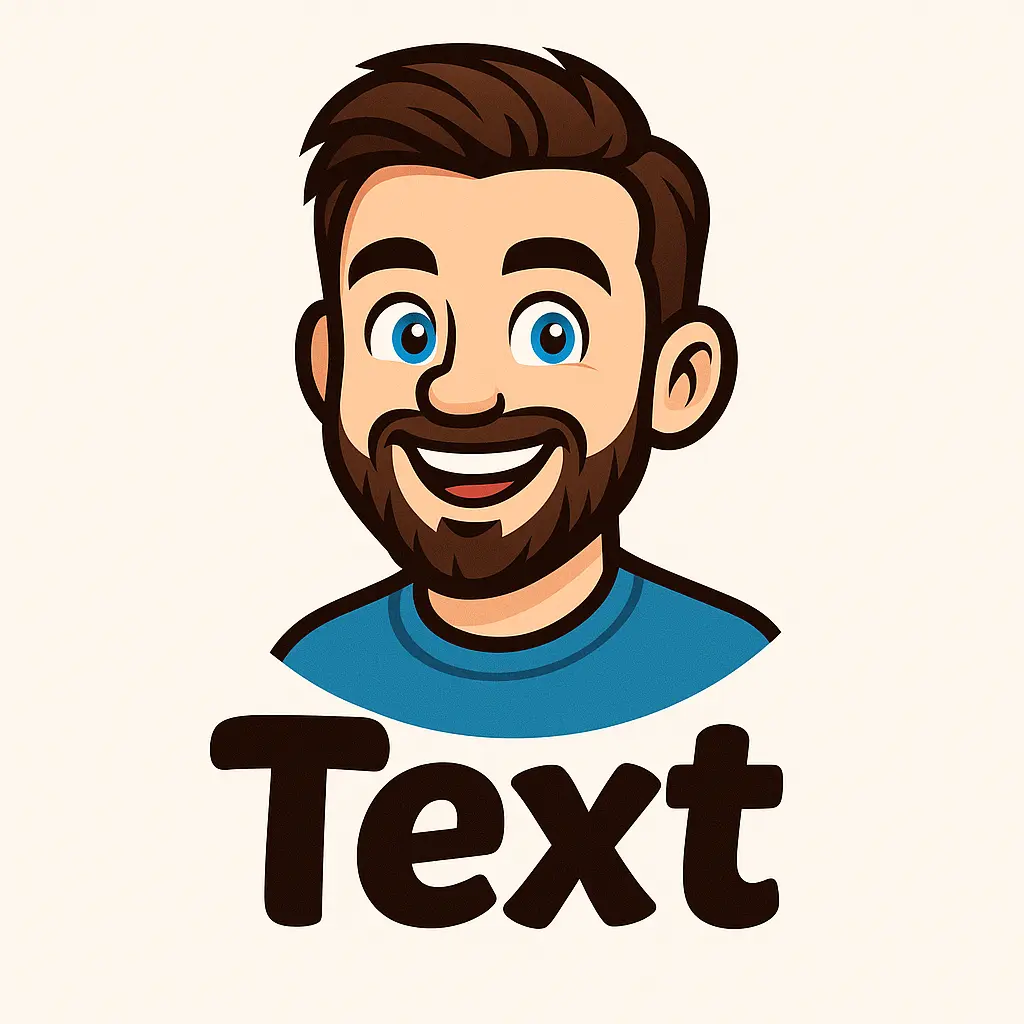
Select from dozens of styles inspired by games, art, and more.
3. Generate Your PFP
Let our AI transform your photo into a unique profile picture!
Become a Roblox Character
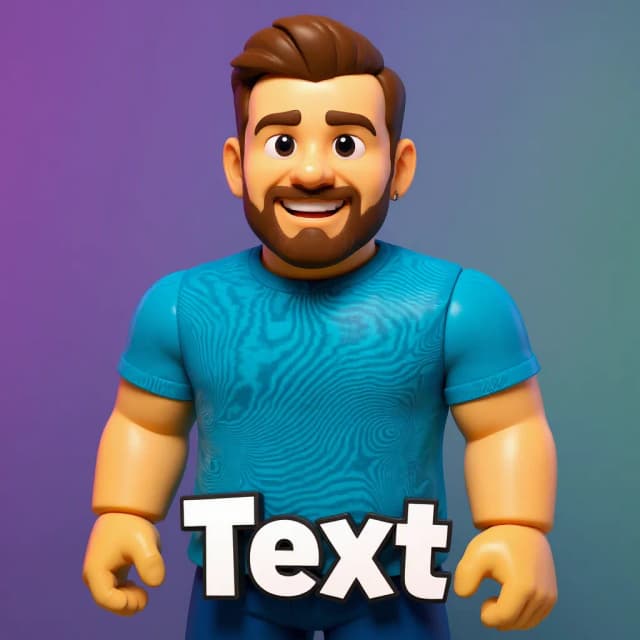
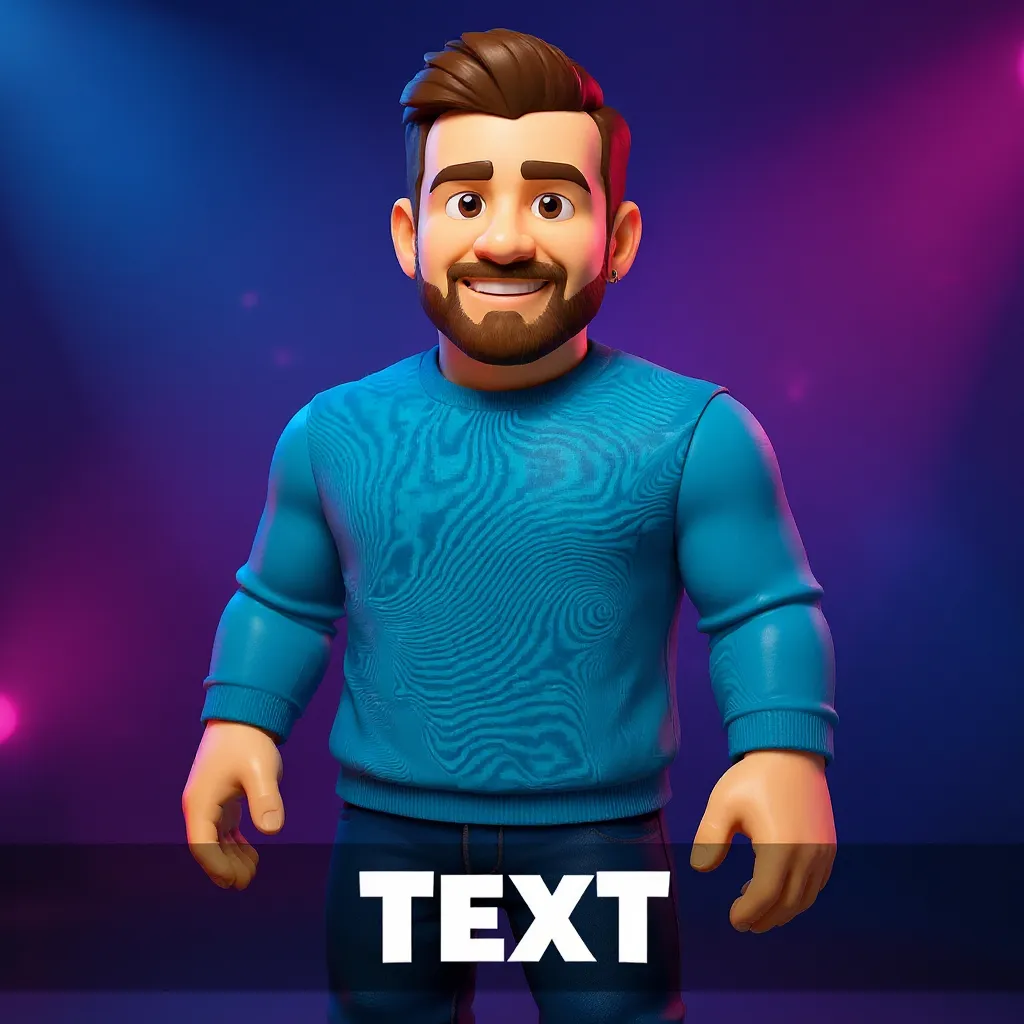
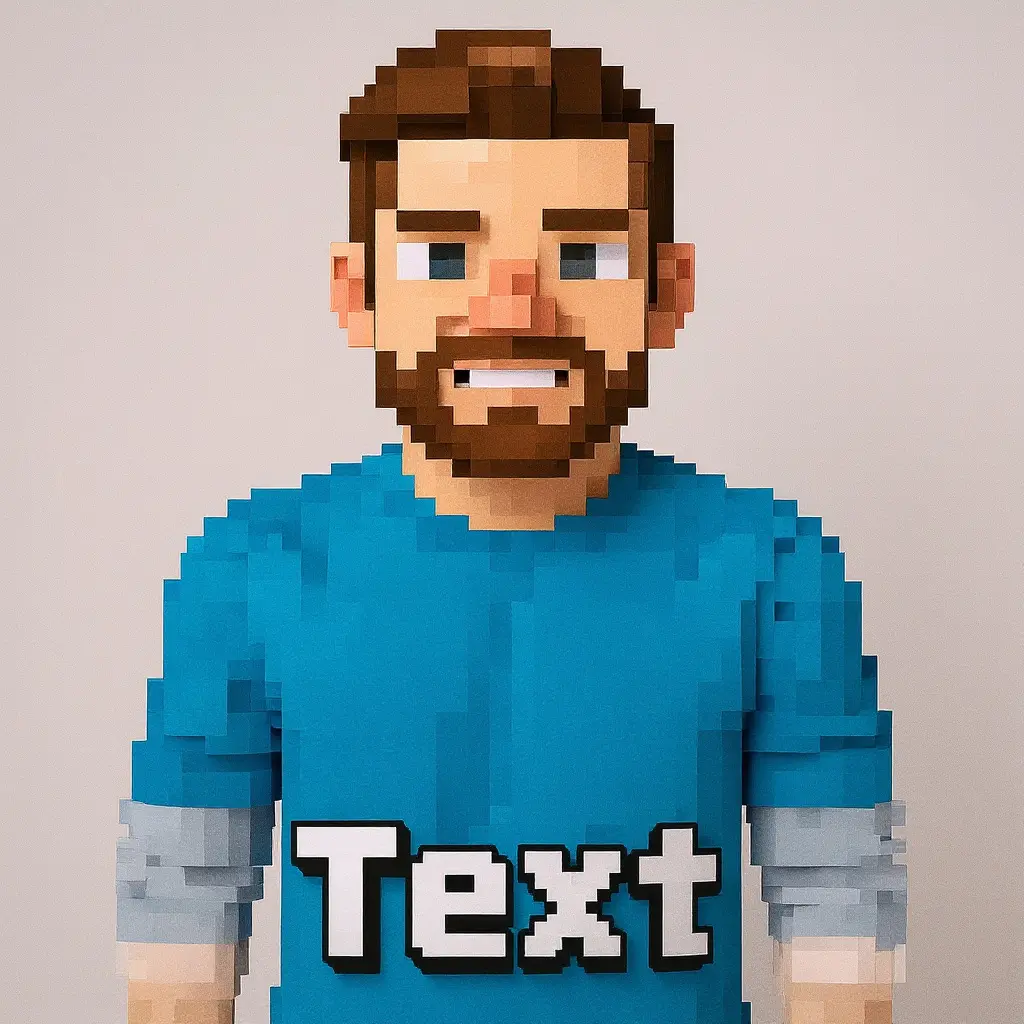
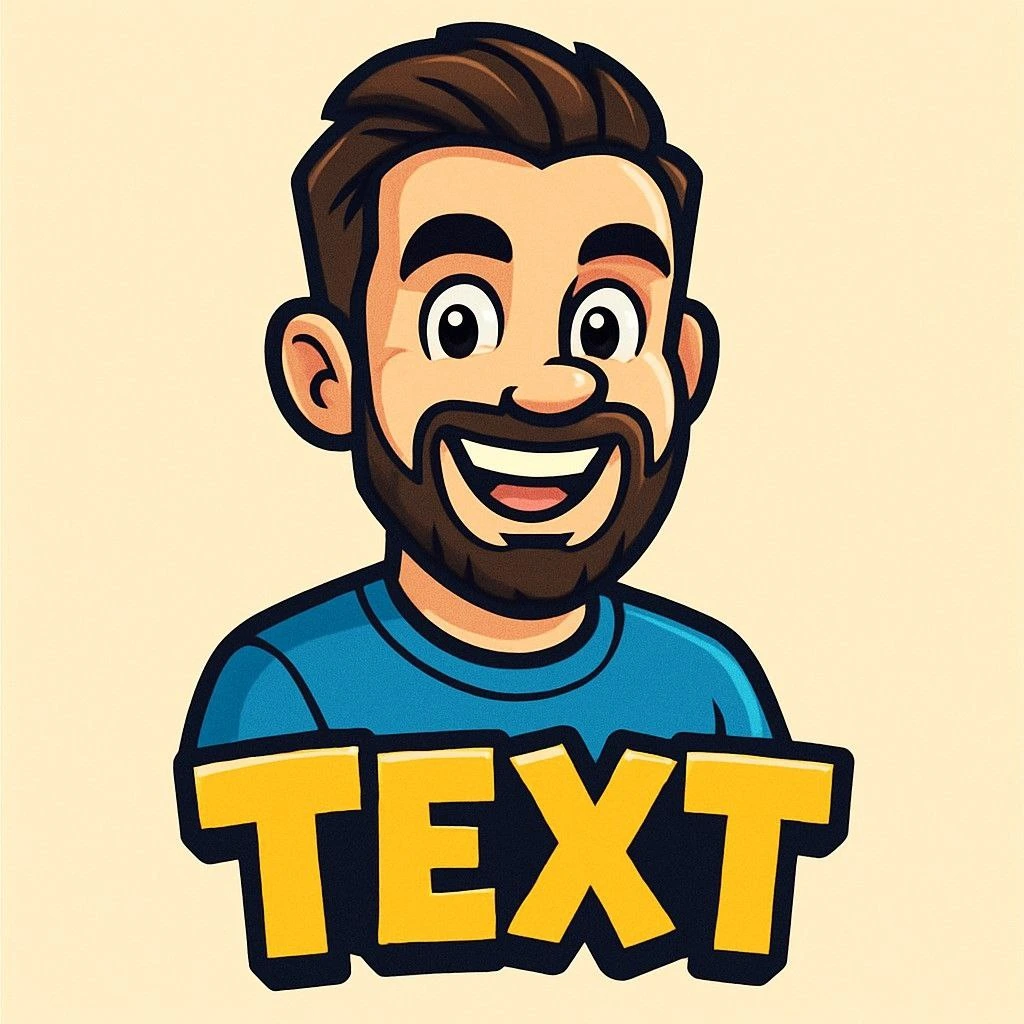
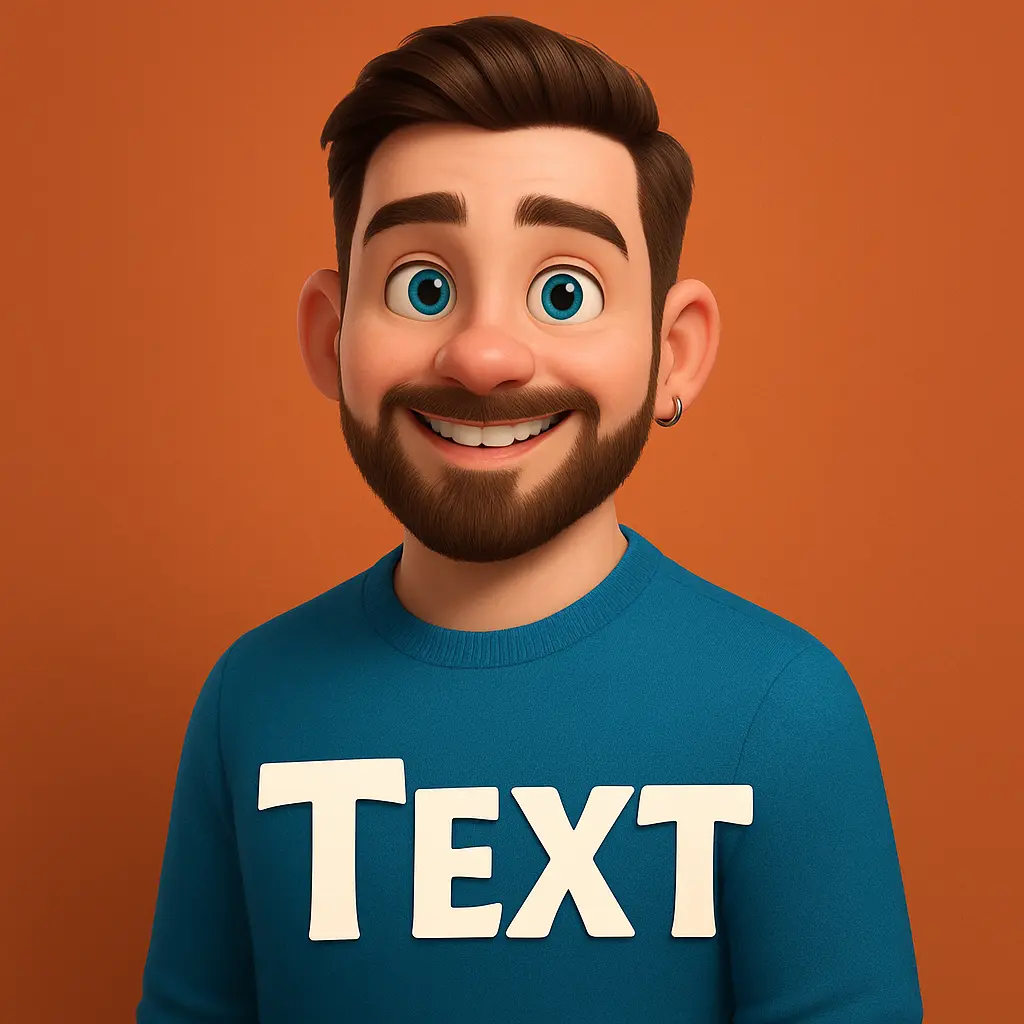
Ever wanted a profile picture that turns you into a Roblox avatar? Our AI Roblox PFP maker does exactly that. Upload your photo and our AI transforms your face and features into the iconic blocky Roblox style — cubic head, glossy plastic texture, and colorful Roblox-style outfit — while keeping you recognizable. It's the perfect avatar for Roblox players who want their profile to match the game they love.
Roblox Avatar Styles
Choose how your Roblox PFP looks — from a classic blocky Roblox avatar to a full-body Roblox character with signature plastic textures and vibrant gaming outfits. Pick your framing (head, half body, or full body) and let the AI render you as a true Roblox character, complete with a matching Roblox-world background.
How to Make Your Roblox PFP
Creating your Roblox avatar is simple. Choose the Roblox style, upload a clear photo of yourself, pick your framing, and generate. The AI transforms you into a blocky Roblox character in seconds, ready to download and set as your profile picture on Roblox, Discord, YouTube, or anywhere else.
Where to Use Your Roblox PFP
Your Roblox avatar PFP is perfect for your Roblox profile, Discord server, YouTube channel, Twitch, and gaming socials. A custom Roblox-style avatar helps you stand out and shows the community you're a real Roblox creator.
Use Across All Your Gaming Content
Build matching channel graphics around your new profile picture with game-specific templates.
Roblox Twitch banner maker
Create matching channel art for your Twitch profile and stream branding.
Roblox Twitch panels maker
Build branded Twitch panels for about, rules, donate, and social sections.
Roblox Twitch stream screens maker
Generate coordinated Starting Soon, BRB, Offline, and Ending screens.
Roblox YouTube thumbnail maker
Design click-worthy video thumbnails that match the same game style.
Your Roblox PFP Questions
How do I make a Roblox PFP?
Choose the Roblox style in our AI PFP maker, upload your photo, pick your framing, and generate. Your photo becomes a blocky Roblox avatar in seconds.
Will my Roblox PFP look like me?
Yes — the AI keeps your recognizable features and likeness while rendering you in the blocky Roblox character style.
Can I make a full-body Roblox avatar?
Yes — choose full-body framing to get a complete standing Roblox character, or head/half-body for a closer avatar.
Is the Roblox PFP maker free?
You can create and preview your Roblox avatar for free, with credits for high-resolution downloads.