AI Twitch Banner Maker
Design Twitch banners with the new guided flow: choose a platform, pick a template, personalize your branding, then generate and refine the final result.
Why Streamers Love Our Twitch Banner Maker
Guided 4-Step Funnel
Choose a platform, pick a template, personalize the banner, and generate the result in one flow.
Platform-Ready Banner Sizes
The banner builder supports Twitch and other platforms while keeping output aligned with each destination.
Template First, Then Personalize
Start from a visual preset, then add your name, tagline, logo, and branding details in the personalize step.
Logo and Brand Support
Upload your logo or mascot reference to build a cleaner banner that matches your channel identity.
Multiple Visual Directions
Choose from clean, neon, bold, esports, gradient, minimalist, and other stream-ready banner templates.
Generate, Refine, Download
Use the result step to generate a variation, refine the banner, and download the final export.
How The New Banner Flow Works
1. Platform
Start by choosing the destination so the banner generator uses the right layout and output behavior.
2. Template
Choose the visual direction you want to build from before editing your content.
3. Personalize
Add your name, tagline, logo, and other branding details in the guided editor.
4. Result
Generate the final banner, refine it, and download the version you want to use.
Twitch Banner Style Examples
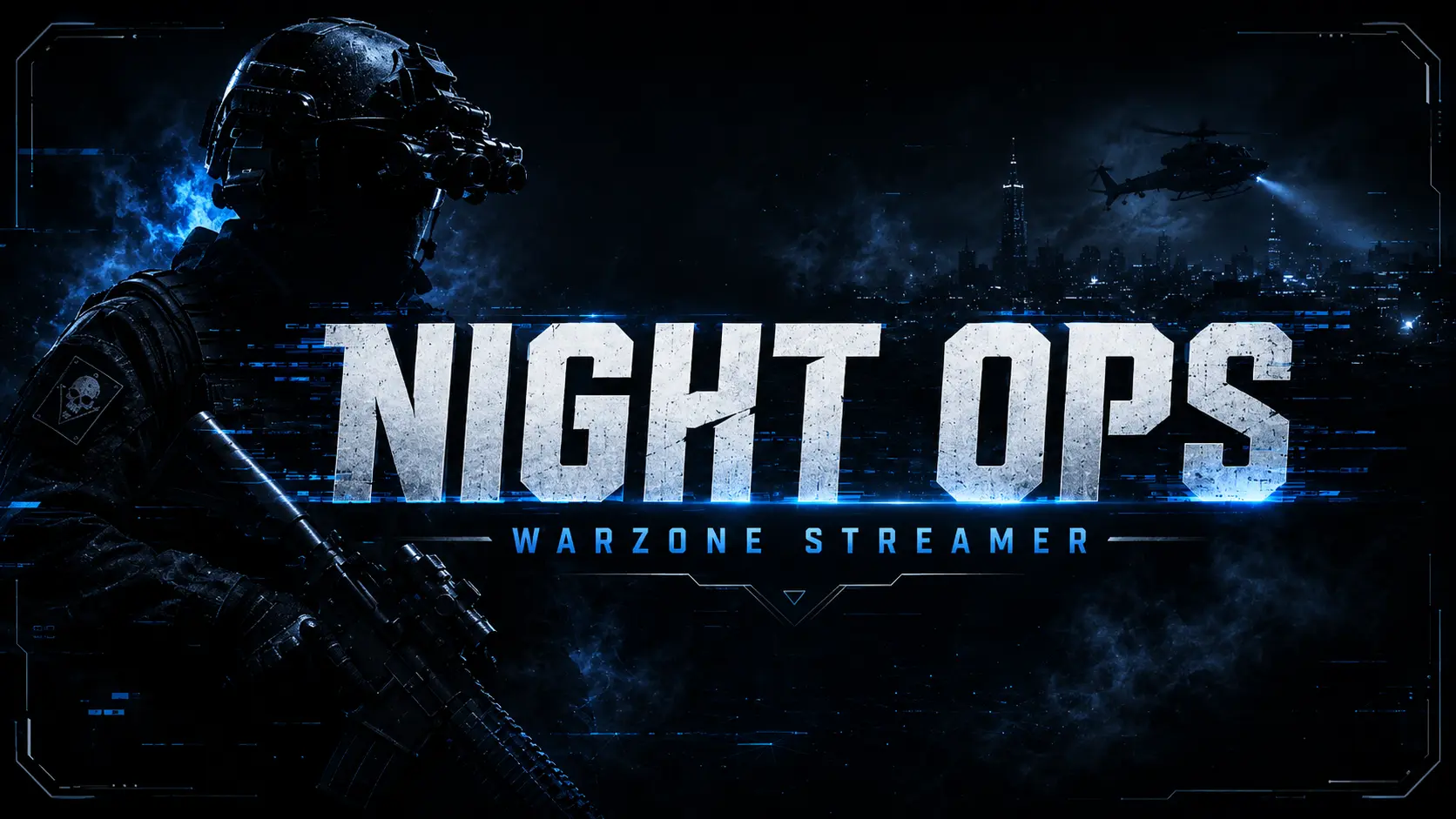
Call of Duty Night Ops
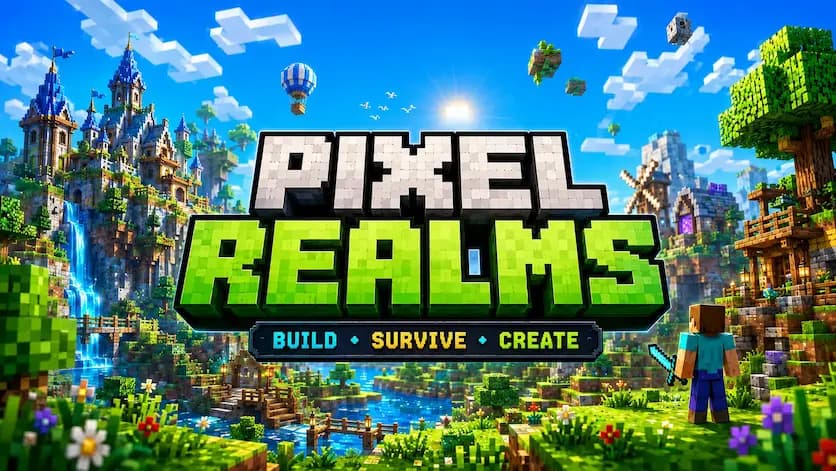
Minecraft Pixel Realms
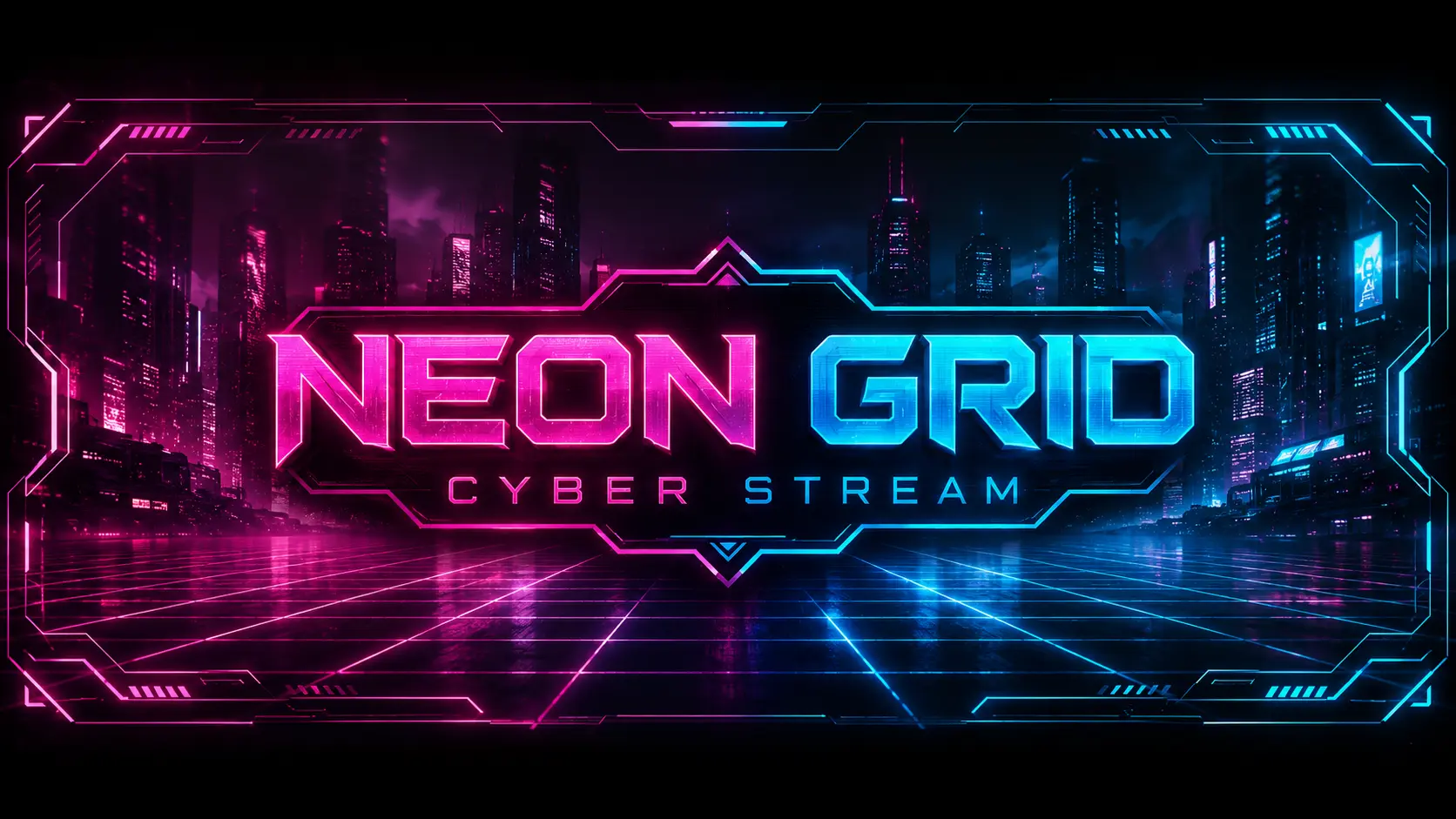
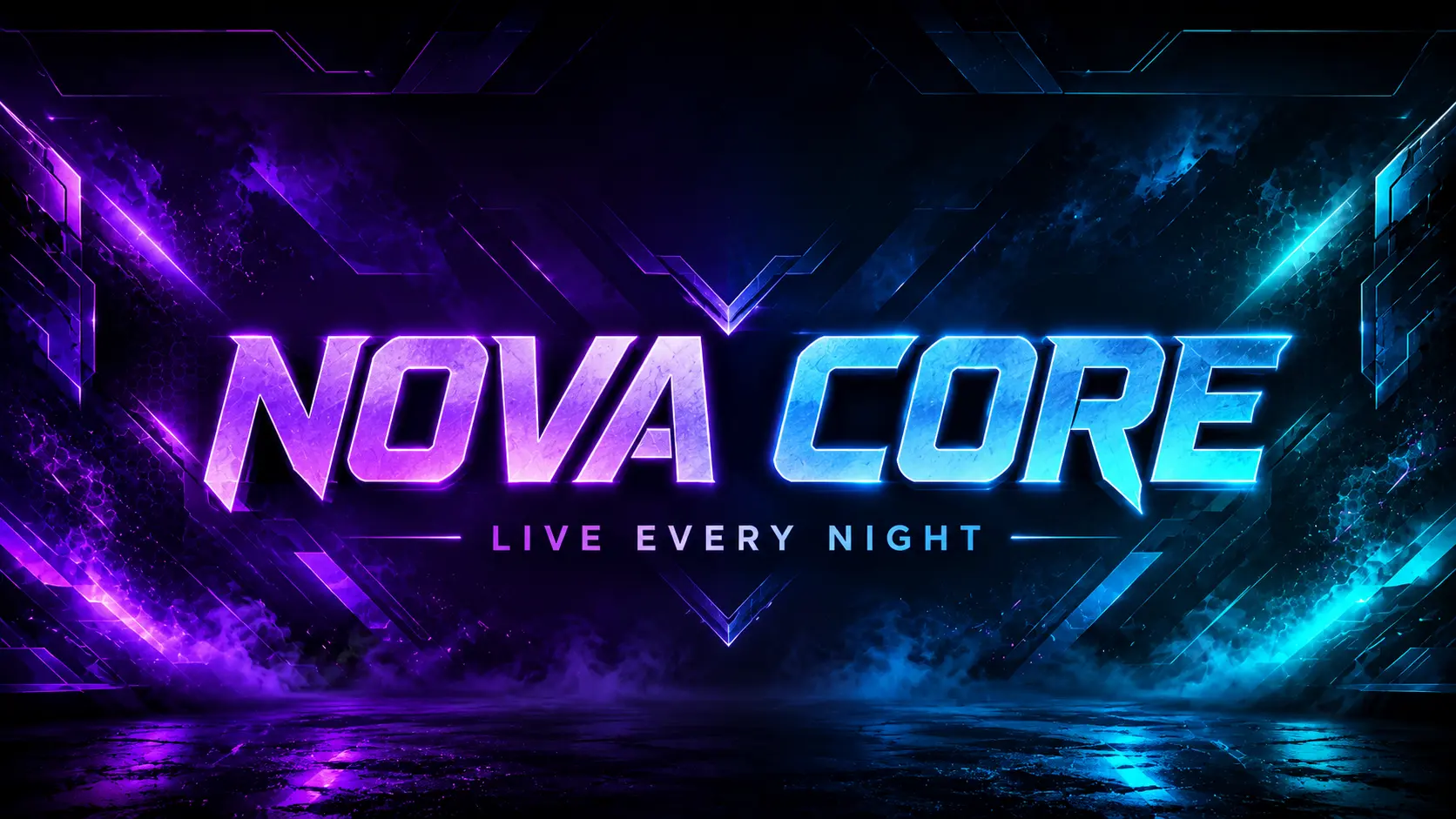
Cyberpunk Neon Grid
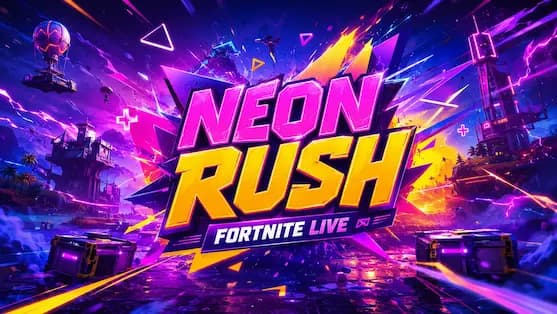
Fortnite Neon Rush
Refine Your Banner in the Result Step
After generating the first version, use the refine option to sharpen the headline, improve logo focus, clean the spacing, and push the banner toward a stronger streamer-ready final result.
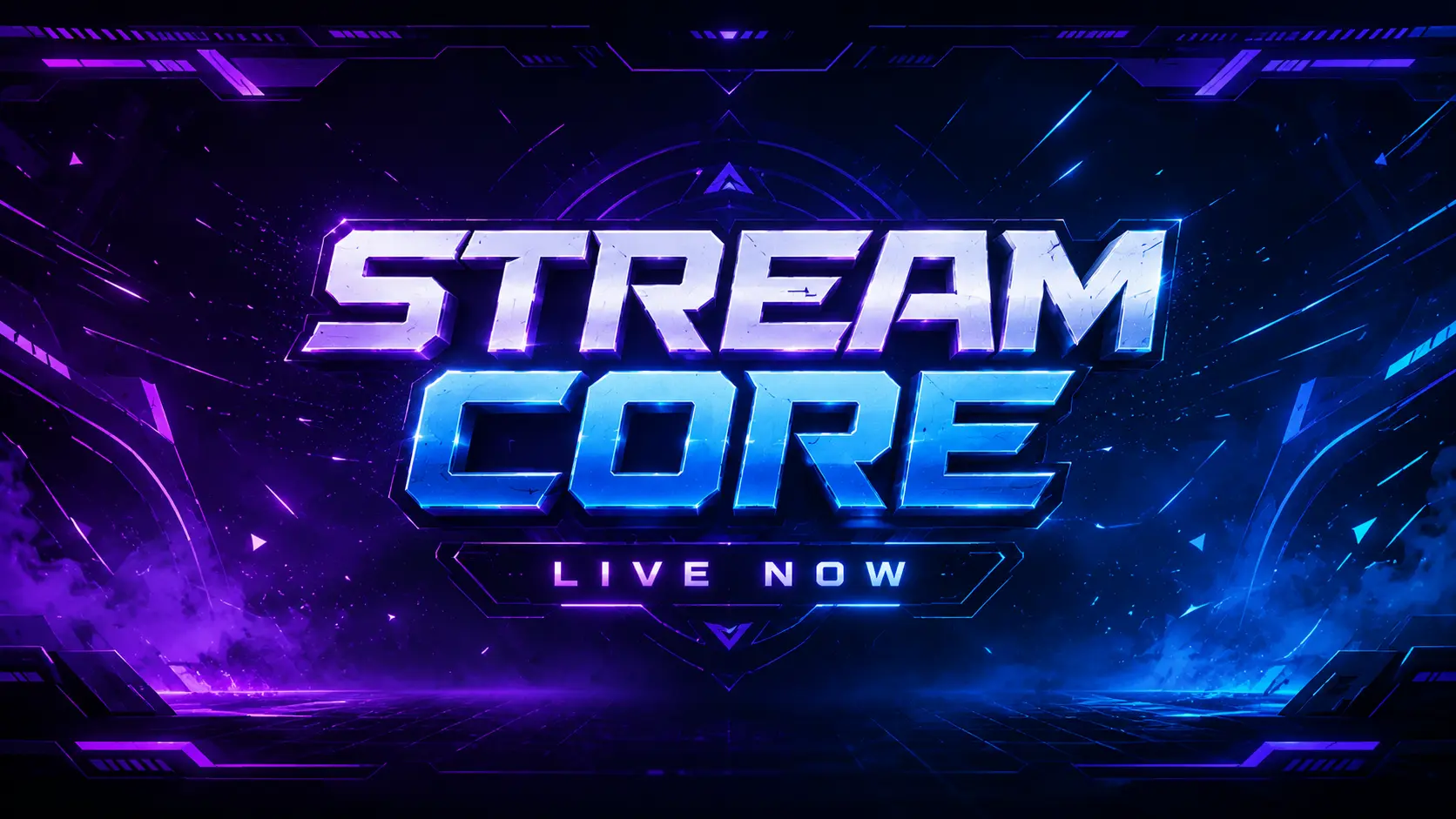
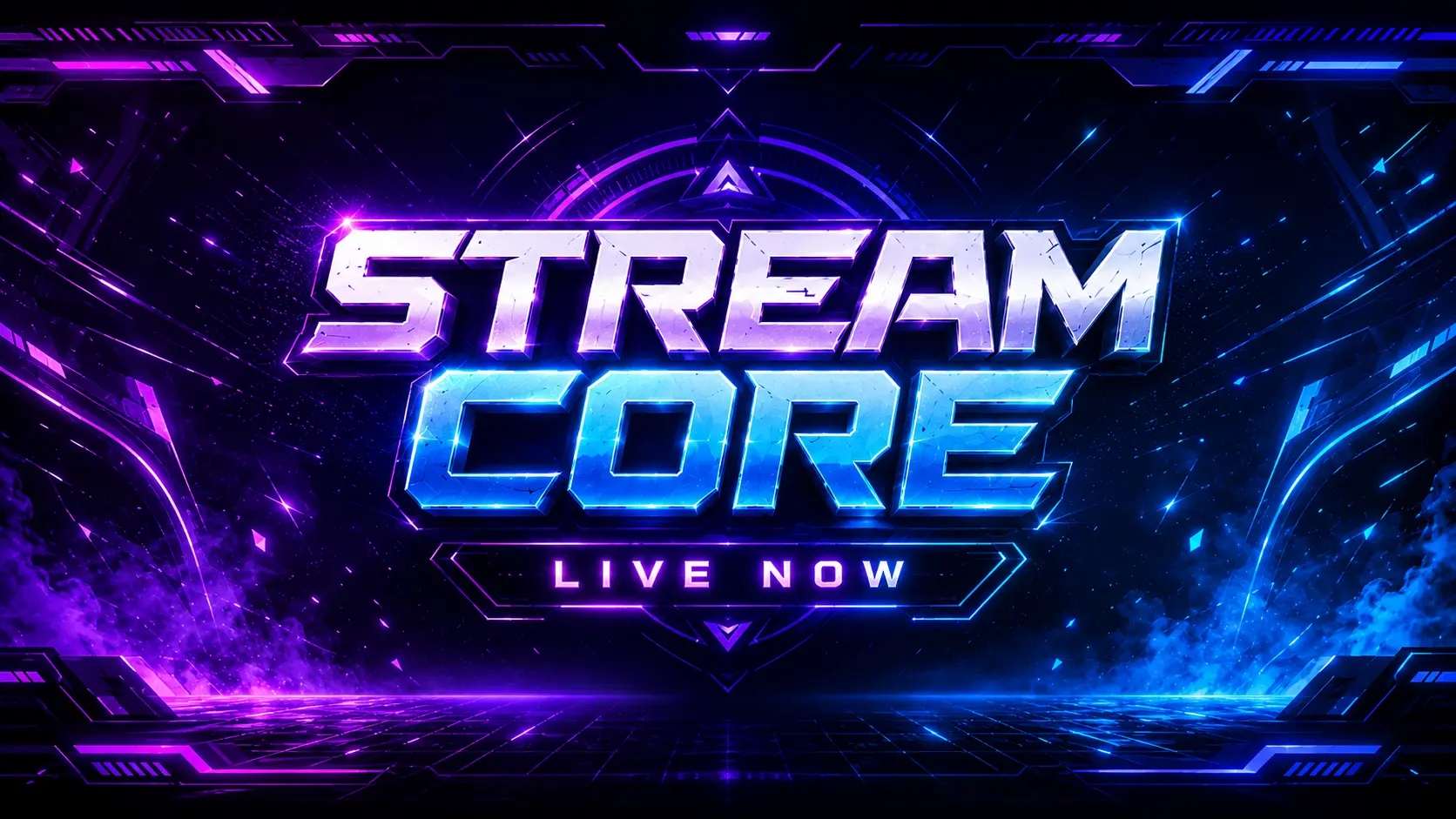
Refine is ideal when the layout is already close and you want better text treatment, cleaner contrast, improved hierarchy, or more premium esports energy.
Frequently Asked Questions
Is this tool free to use?
You get 1 free credit after signing in, which you can put toward your first Twitch banner or use on other tools. Twitch banner generation currently costs 10 credits, and additional credits are required to create more banners.
Does the banner maker use the new guided flow?
Yes. The updated banner builder uses four steps: Platform, Template, Personalize, and Result, matching the newer Twitch tool workflow.
Can I use my own logo?
Yes - upload your logo, ideally a 1:1 PNG with a transparent background, and the AI will integrate it into the banner layout.
What size does Twitch require?
Twitch recommends 1200 x 480 pixels. The generator is designed to produce a Twitch-ready banner while still supporting other platforms in the broader funnel.
How many characters can I use for channel name and tagline?
Each style has character limits to prevent overflow. We truncate or scale text to fit, and you will see the result before downloading.
How does refine work?
After the first generation, you can send a refine prompt from the result step to improve title readability, logo emphasis, glow, contrast, and overall polish without rebuilding the banner setup from scratch.