AI Twitch Emote Maker
Turn your real photo into custom Twitch emotes like GG, LOL, HYPE, RIP, and more with a base-character workflow built for full emote packs.
From Photo to Twitch Emotes
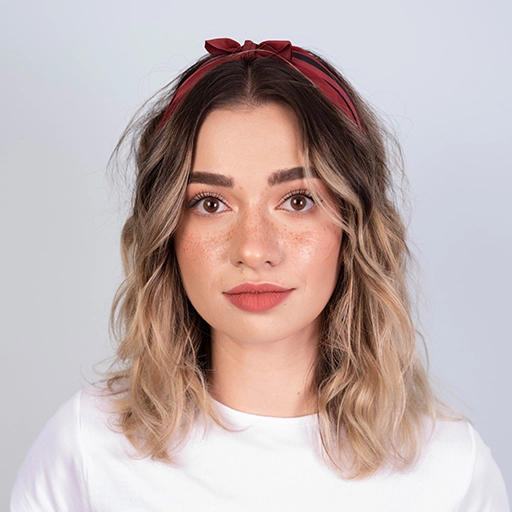
1. Upload Your Photo

2. AI Creates Base Emote

3. Generate Emote Set
How The Emote Builder Works
1. Upload
Start with a face photo that the AI can transform into a base emote character.
2. Style
Choose the art direction that will shape the base emote and the whole expression pack.
3. Base Emote
Generate the clean neutral emote base that all later expressions will build from.
4. Emote Set
Select the expressions you want, choose text or no-text output, and download each final emote.
Why Streamers Use Our Twitch Emote Maker
Face-To-Emote Workflow
Upload a real photo, choose an art style, and turn yourself into a Twitch-ready emote base character.
Base Plus Full Emote Set
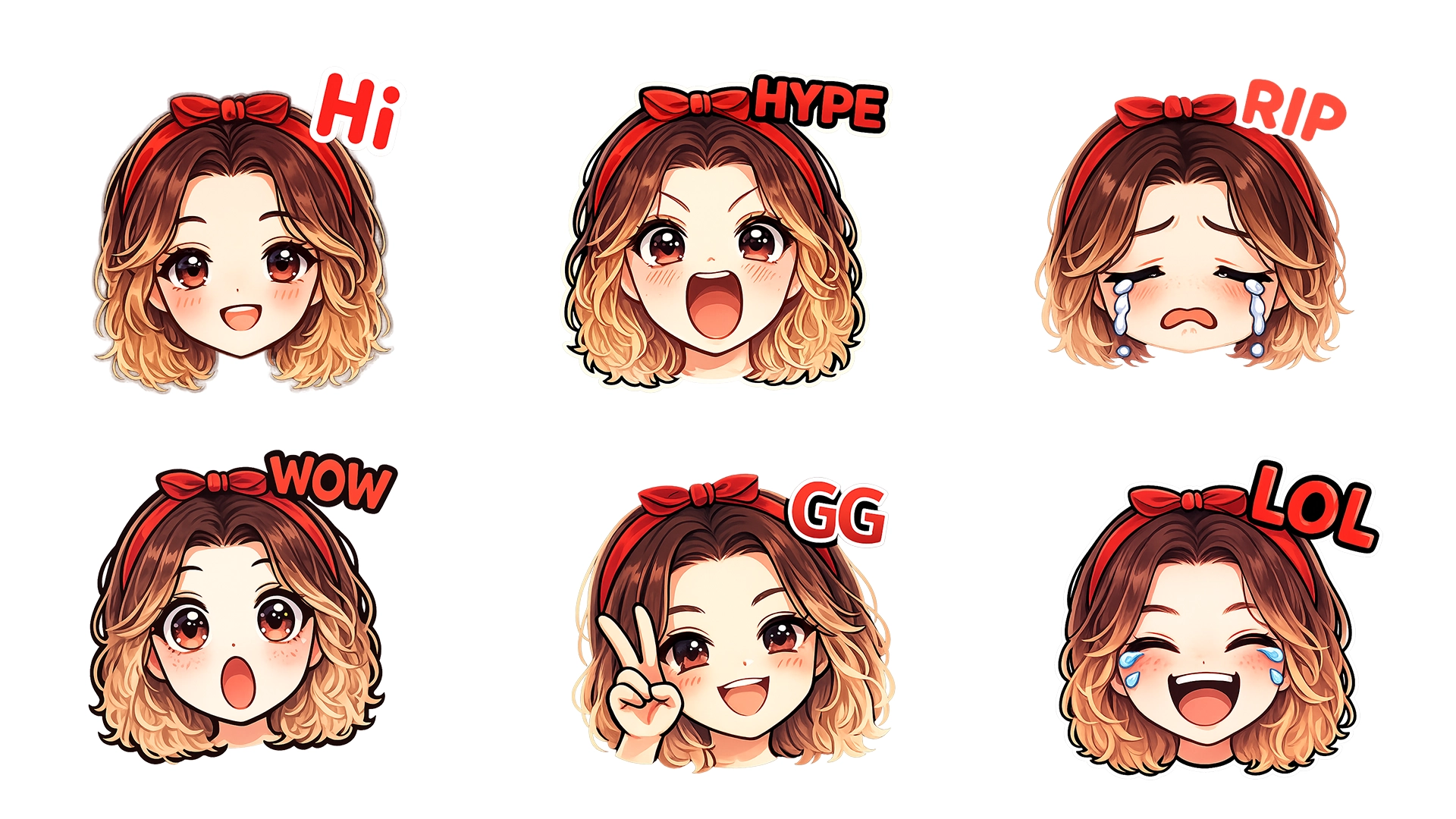
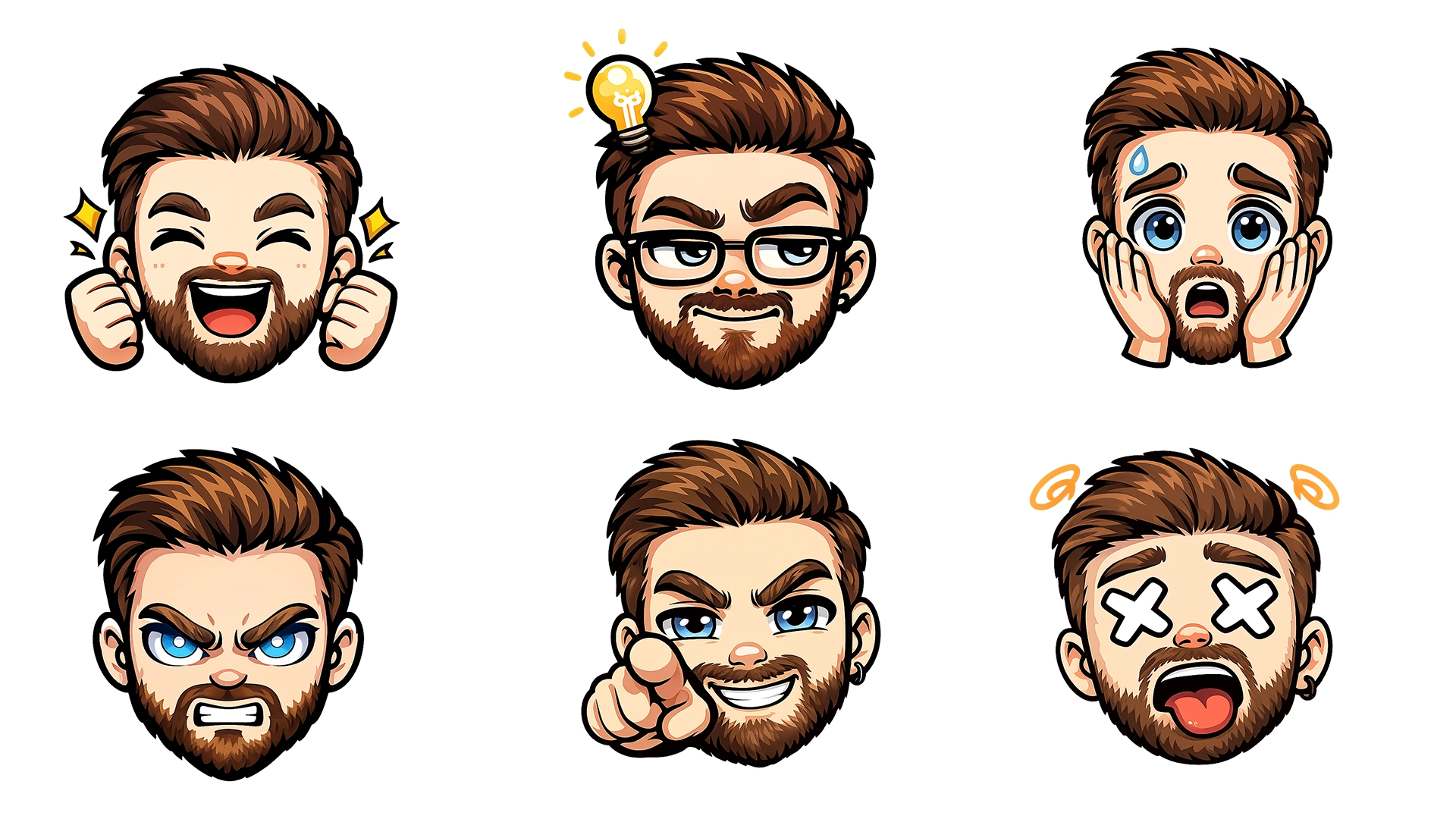
Generate one clean base emote first, then build GG, LOL, HYPE, RIP, WOW, RAID, and more from the same character.
Twitch-Ready Output
The results are optimized for Twitch-style usage and small-size readability in chat.
Style Browser Included
Pick from anime, cartoon, mascot, and other expressive emote-friendly art styles before generation.
Text or No-Text Variations
Choose whether your emotes should include expression text or stay cleaner with no text overlays.
Download The Whole Pack
Download the base emote and each generated expression individually once the set is ready.
Real Examples Generated with AI
Frequently Asked Questions
What is a Twitch emote maker?
A Twitch emote maker allows streamers to create custom emotes for chat, usually showing emotions like GG, LOL, HYPE, or RIP.
Can I use my real face?
Yes. Upload a real photo and the AI converts it into a stylized emote character.
How does the updated emote workflow work?
You first create a base emote character from your photo, then generate a full set of expressions from that same base so the pack stays visually consistent.
Are the emotes ready for Twitch?
Yes. All emotes are optimized for Twitch sizes and transparent backgrounds.
Can I choose text or no-text emotes?
Yes. The generator supports expression text variants as well as cleaner no-text versions depending on the look you want.
Do I need design skills?
No. The AI handles everything - just upload a photo, choose a style, and pick the expressions you want.
Is there a free version?
You receive free credits after signing in. More emotes require credits.