
AI Twitch Panels Maker
Build full Twitch panel sets with a guided flow: choose a platform, pick a template, personalize titles and socials, then generate About, Donate, Rules, and more together.
Why Streamers Use Our Twitch Panels Generator
Guided 4-Step Funnel
Pick Twitch, choose a game-based template, personalize your content, and generate the final panel set in one flow.
Batch Panel Generation
Build About, Donate, Rules, FAQ, Specs, Socials, Schedule, and other panels together instead of one by one.
Logo, Socials, and Content
Add a logo reference, social handles, supporting content, and shape selection in one guided flow.
Game-Based Templates
Choose from neon, futuristic, retro, pastel, minimal, and other panel-ready visual directions.
AI Refinement and Regeneration
Regenerate for a fresh variation or refine the result for stronger hierarchy, cleaner text, and sharper presentation.
Result Step Actions
Preview, share, refine, and download your final panel graphics from the result step.
How The New Panels Flow Works
1. Platform
Start with Twitch so the builder uses panel-friendly defaults and sizing.
2. Template
Pick the visual direction you want to build from before editing any panel content.
3. Personalize
Add titles, descriptions, socials, logo references, and multiple panel types in one set.
4. Result
Generate the set, regenerate variations, refine the best one, and download the final PNGs.
Twitch Panel Style Examples
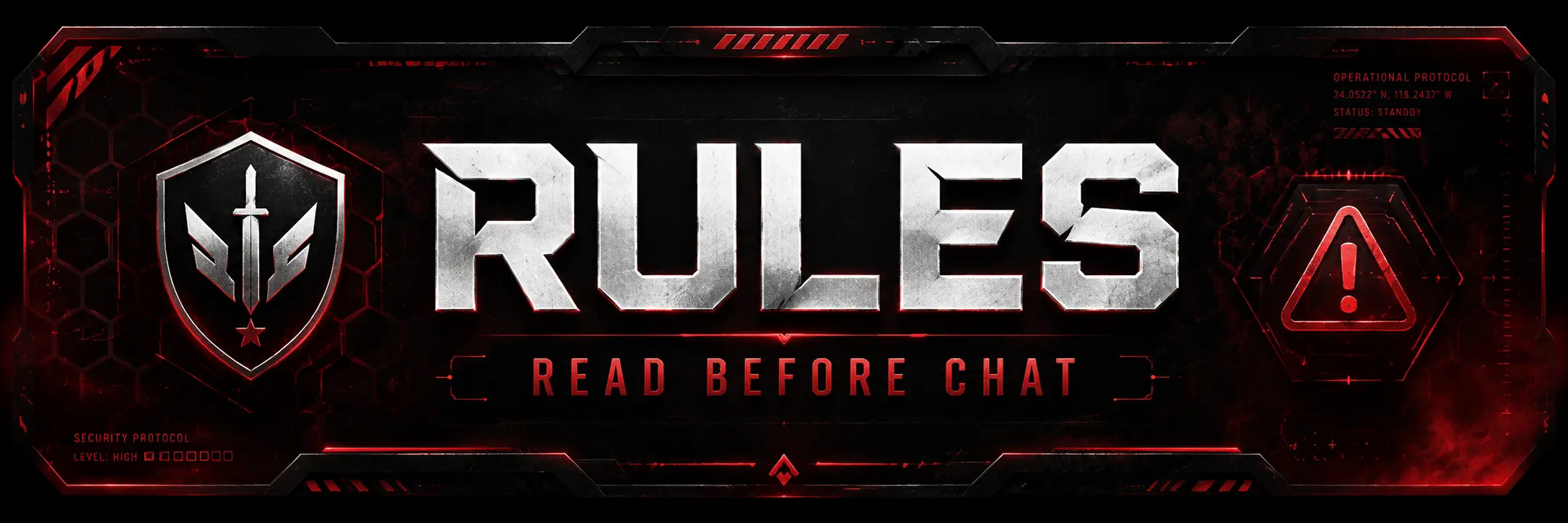
Night Ops
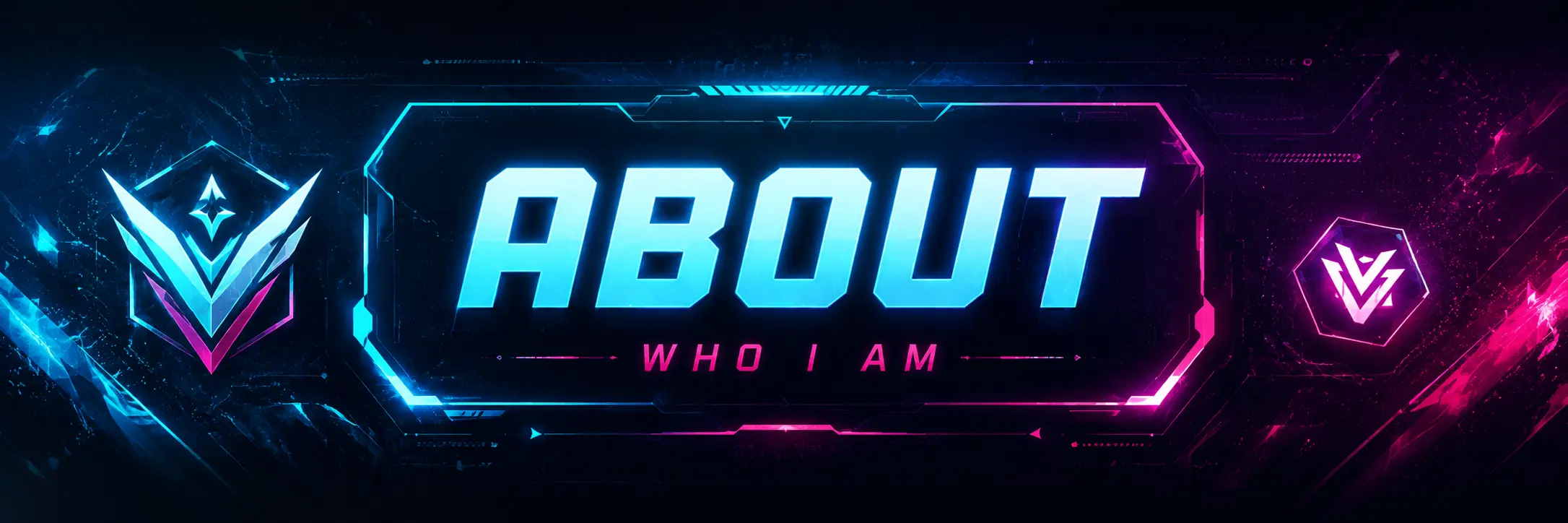
Apex Squad
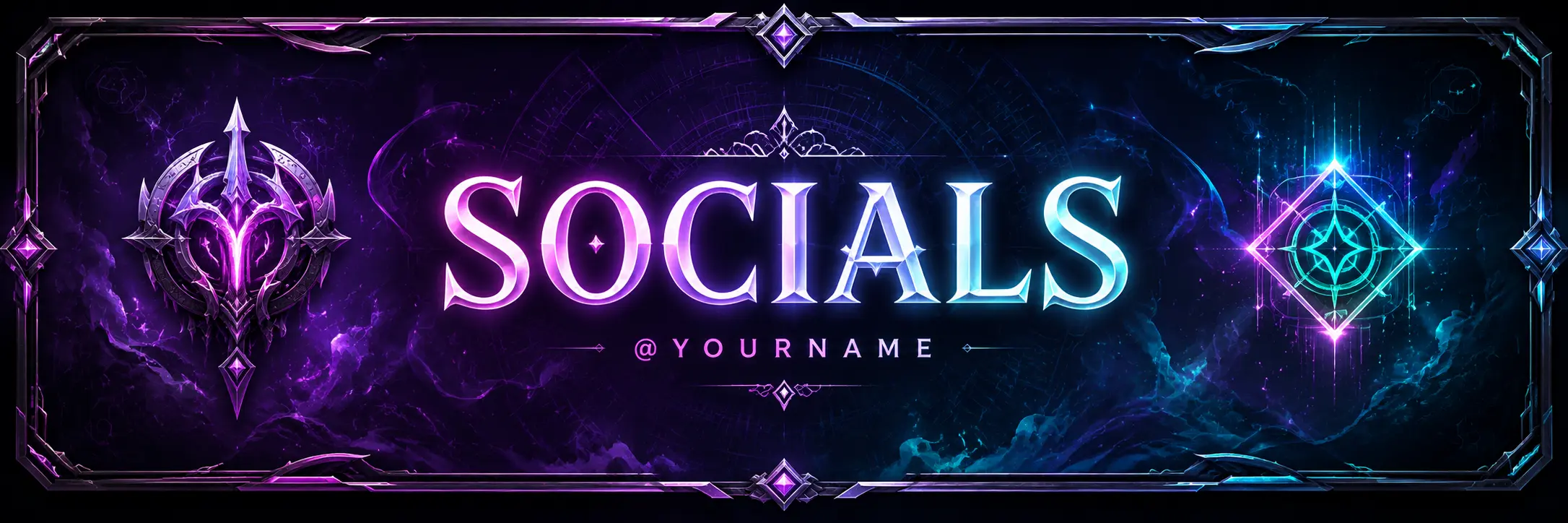
Arcane Champion
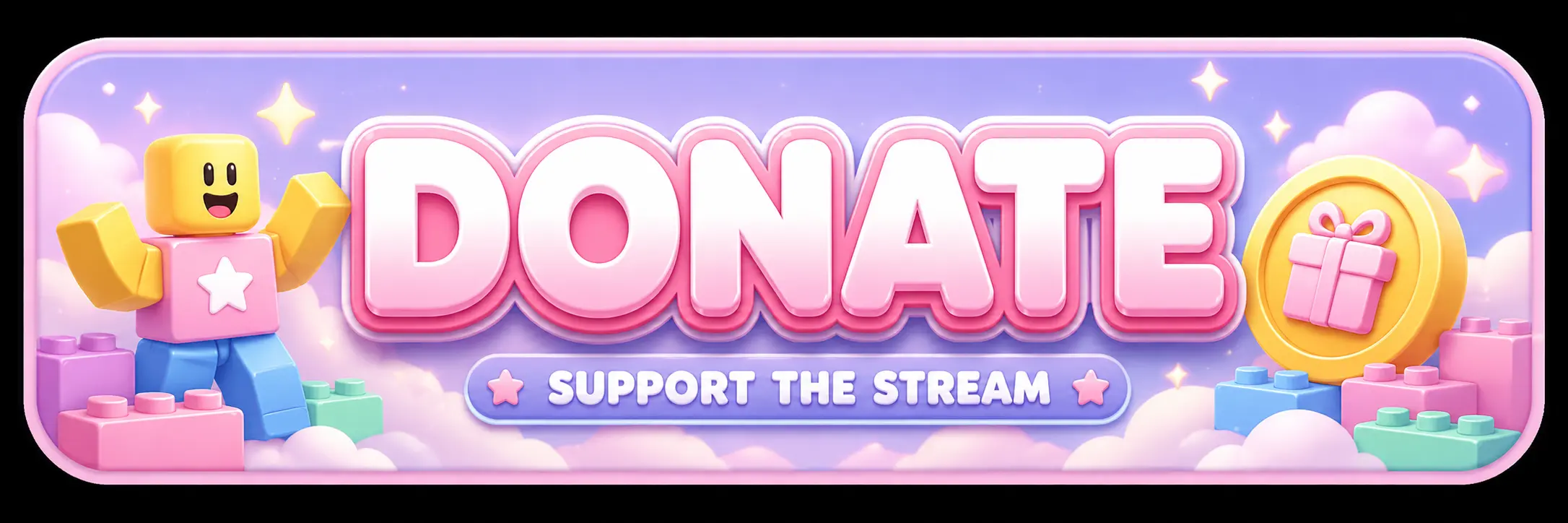
Roblox Chaos
Frequently Asked Questions
What are Twitch panels?
Twitch panels appear below your stream and are often used for About, Donate, Rules, FAQ, Schedule, Specs, Socials, and other creator information.
How does the new panel builder work?
The updated flow uses four steps: Platform, Template, Personalize, and Result. It is designed to help you build a full panel set instead of only one isolated graphic.
Do I need to upload a logo?
No. You can generate a panel with no logo, upload a logo or character reference, or choose one of your saved designs.
What panel shapes are supported?
The generator defaults to a wide 3:1 panel because that is the most common Twitch panel layout. It also supports 4:3, 1:1, and 3:4 shapes.
Can I add social handles and content?
Yes. The new flow supports a panel title, short supporting content, and optional social handle rows with platform icons.
Can I refine the generated panel?
Yes. After generation, you can send a refinement prompt to improve the composition, emphasis, styling, and overall polish.
Can I regenerate the same setup?
Yes. The result step lets you regenerate from the same panel setup if you want another direction before downloading.