AI Twitch Stream Screens Maker
Create full Twitch scene packs with a guided flow: choose a platform, pick a template, personalize every screen, then generate Starting Soon, BRB, Schedule, Raid, custom scenes, and more.
Why Streamers Use Our Stream Screens Generator
Guided 4-Step Flow
Choose a platform, pick a template, personalize the whole set, and generate your stream screens together.
Expanded Screen Types
Create Starting Soon, BRB, Offline, Ending, Intermission, Countdown, Chatting, AFK, Schedule, Raid, and custom Other screens.
Add More Than Four Screens
Build a full screen pack with extra scenes, duplicate scene types, and custom additions inside one batch.
Game-Based Templates
Start from neon, cyberpunk, pastel, retro, and other presets shaped around the game and stream vibe you choose.
Adaptive AI Prompting
Each selected screen type gets its own prompt behavior so the AI treats Starting Soon, Schedule, Raid, and custom scenes differently.
Result Step Actions
Generate the set, preview it, share it, regenerate variations, and download the final PNG screens.
How The New Stream Screens Flow Works
1. Platform
Start with Twitch so the builder uses stream-screen-friendly defaults and sizing.
2. Template
Choose a visual direction based on the game or style you want your stream scenes to follow.
3. Personalize
Edit titles, subtitles, and screen types, then add extra scenes like Schedule, Raid, or Other.
4. Result
Generate the full set together, then regenerate, share, refine, or download the final screens.
Twitch Stream Screen Style Examples
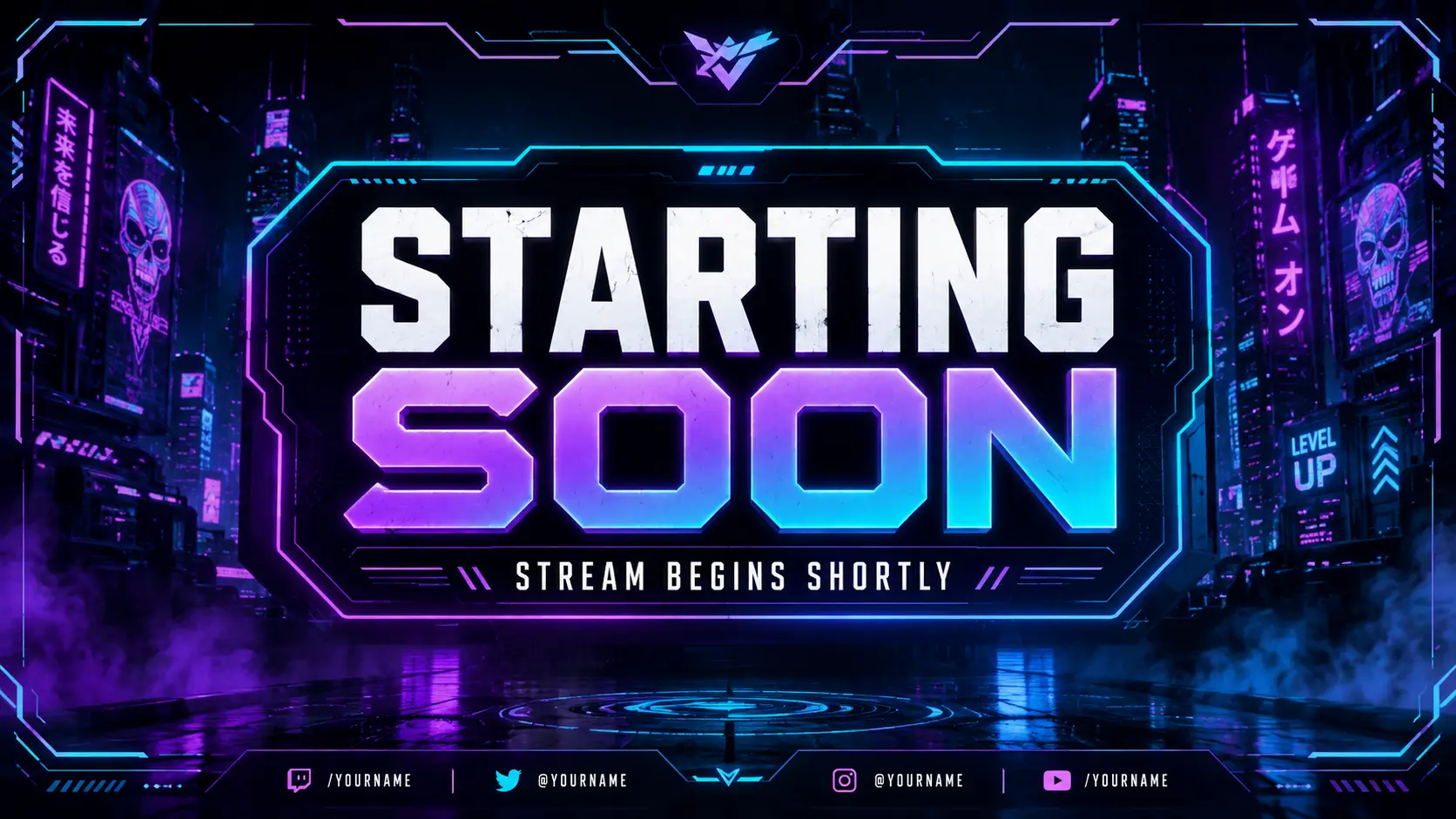
Starting Soon
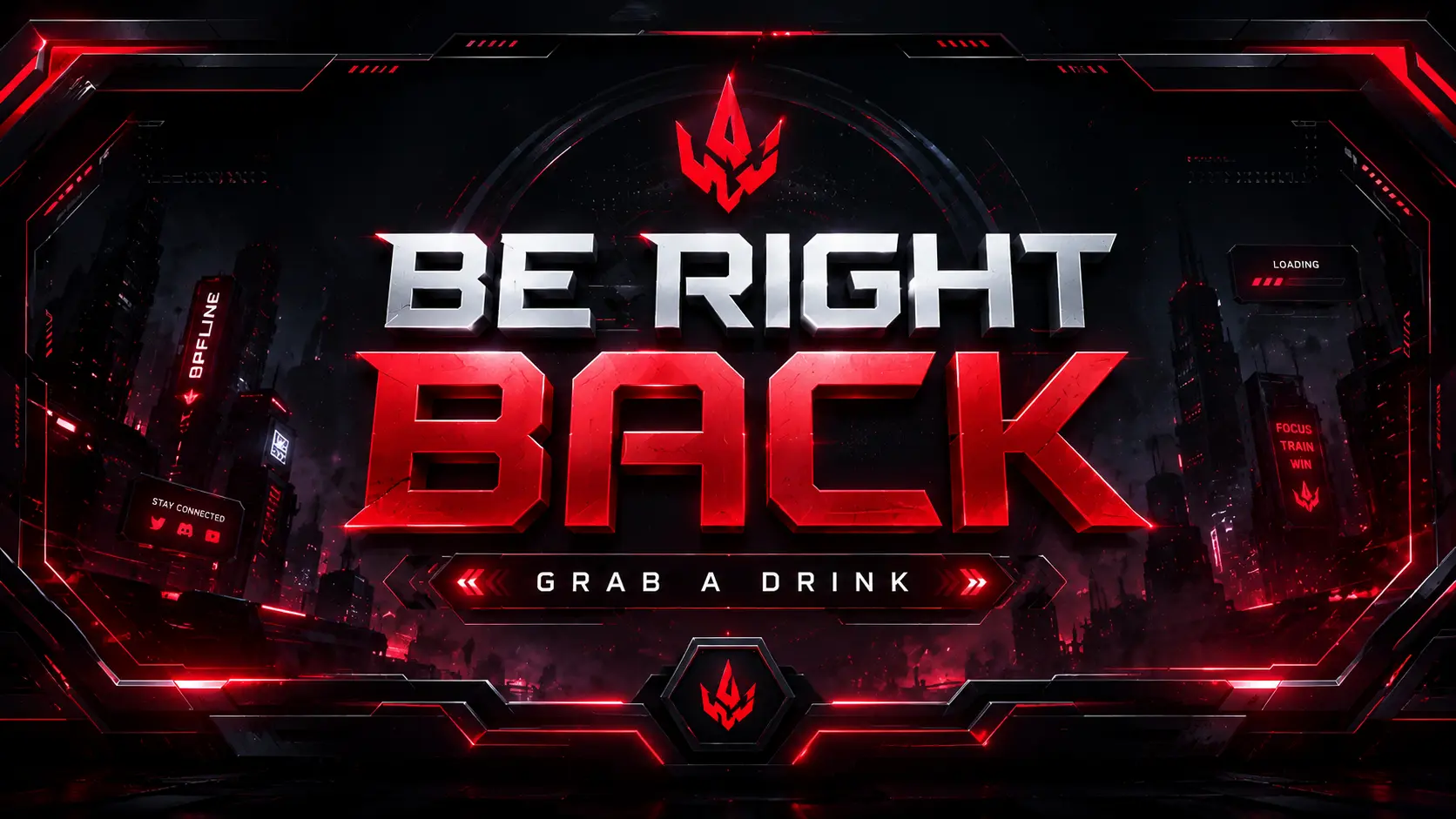
BRB
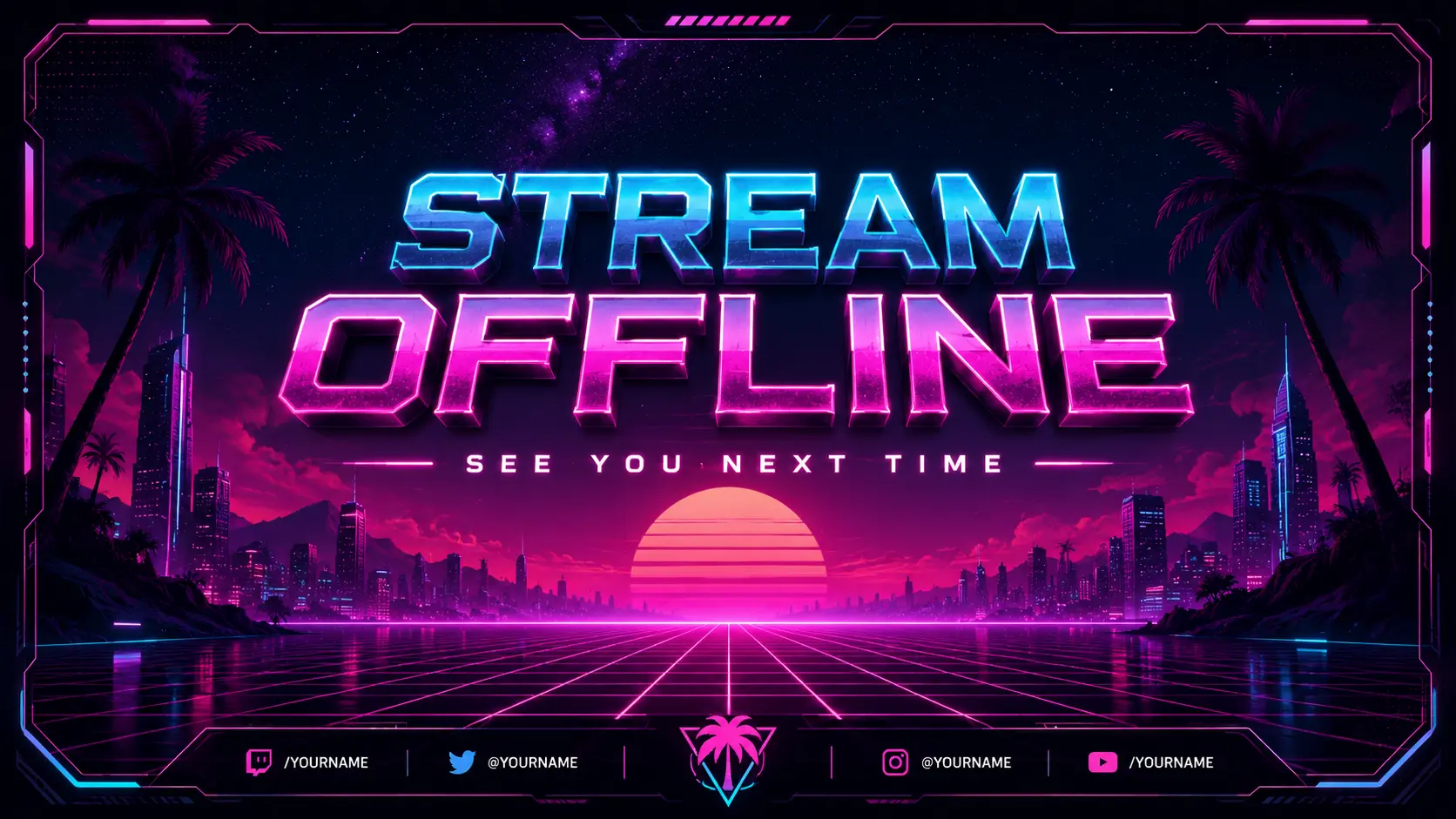
Offline
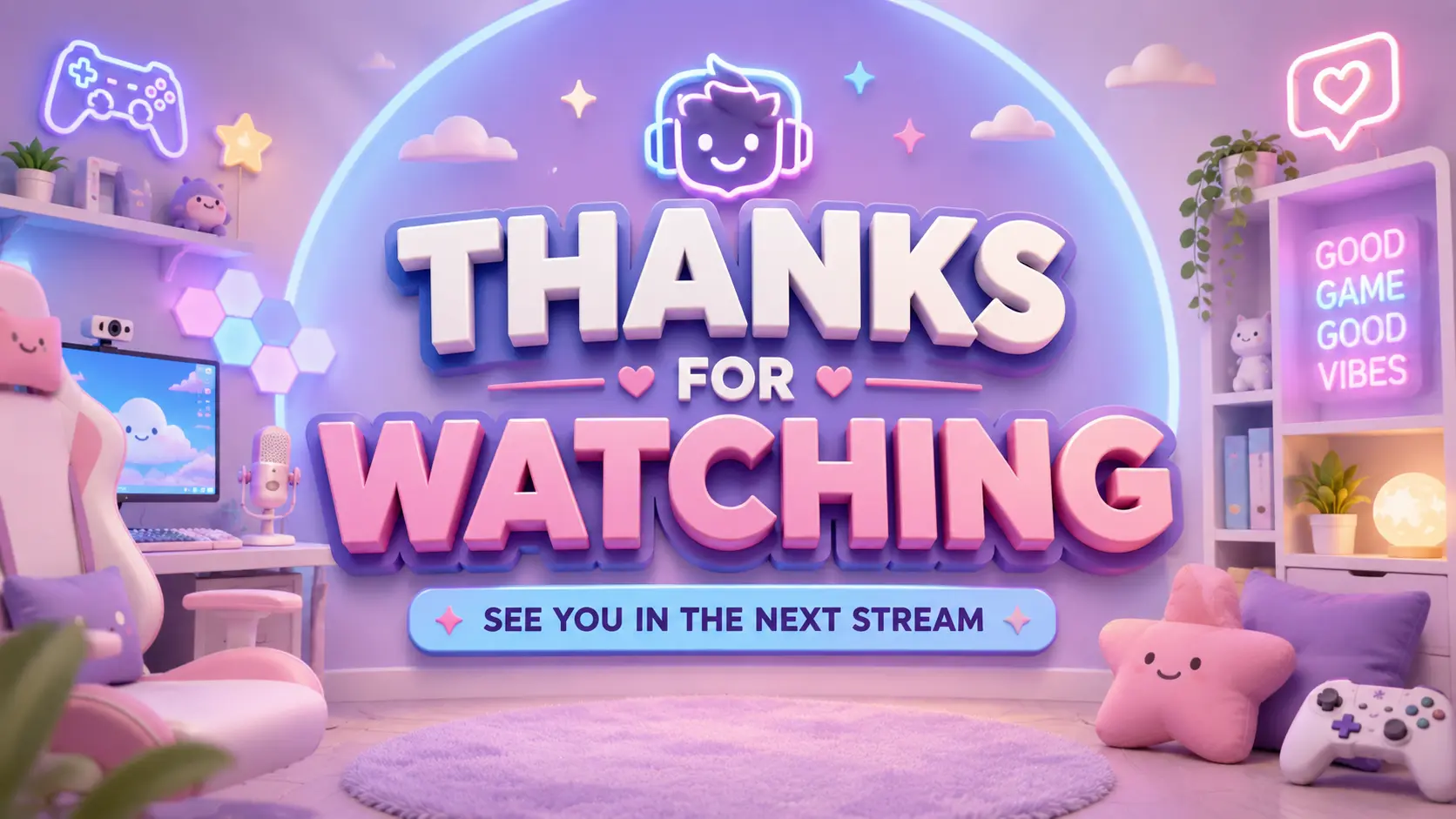
Ending
Frequently Asked Questions
What are Twitch stream screens?
They are full-screen graphics shown while you are getting ready, stepping away, wrapping up, or temporarily offline during a livestream.
Does the new builder only support four screen types?
No. The updated flow supports the standard core screens plus Intermission, Countdown, Chatting, AFK, Schedule, Raid, and a custom Other scene.
Do these work in OBS and Twitch?
Yes. The generator is built around a 1920x1080 stream-screen canvas, which fits common OBS scene setups and fullscreen use.
Can I change the screen text?
Yes. You can start with presets like Starting Soon or BRB, then edit the title and subtitle before generating the full set.
Can I add extra or custom screens?
Yes. The personalize step supports adding more screens, including custom Other scenes, so you are not limited to the original starter set.
Can I regenerate if I want another version?
Yes. Once you reach the result step, you can regenerate the same screen setup to get a fresh variation.